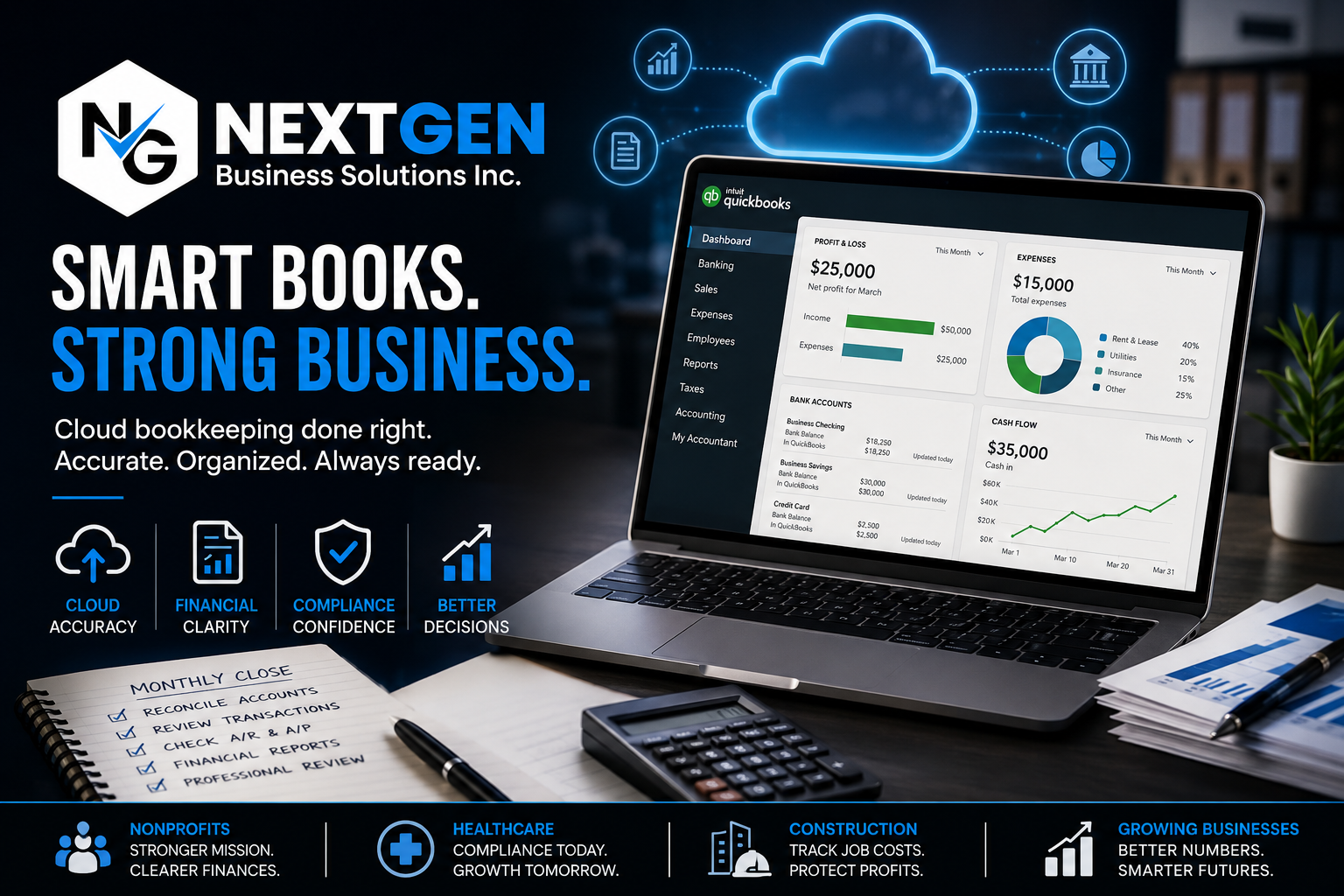
Quick Answer: Small business owners fail at cloud bookkeeping because they treat software like QuickBooks Online as a replacement for a bookkeeping system instead of a tool within one. Bank feeds get miscoded, reconciliations get skipped, and personal and business expenses get mixed together. The fix is not more software – it’s a defined monthly close process, a standardized chart of accounts, and a professional review before filing.
The Real Reason Cloud Bookkeeping Fails: Software Without a System
Cloud accounting tools like QuickBooks Online, Xero, and Wave automate data entry, but they do not automate decision-making. A bank feed can auto-import a transaction, but it cannot decide whether that transaction is a business expense, an owner draw, or a miscategorized personal purchase. Small business owners who connect a bank feed and assume the books are “done” are the ones who end up with inaccurate financials at year-end, because automation without review just moves errors faster.
The Six Most Common Cloud Bookkeeping Mistakes
These six mistakes account for most of the cloud bookkeeping failures small business owners run into, based on patterns seen across nonprofit, healthcare, construction, and tech clients.
- Miscoded bank feed transactions – accepting QuickBooks Online’s suggested categorization without reviewing it against a proper chart of accounts.
- Skipped monthly reconciliation – never matching the books against actual bank and credit card statements, which lets errors compound for months.
- Mixed personal and business expenses – running personal purchases through a business account, which distorts profit and complicates HST filings.
- No standardized chart of accounts – using generic default categories instead of one tailored to the business’s industry and reporting needs.
- Ignoring accounts receivable and payable aging – not tracking who owes money and when bills are due, which creates cash flow surprises.
- No professional review before filing – submitting HST returns or year-end filings based on unreviewed books, which increases audit risk with the CRA.
Why Bank Feed Automation Creates a False Sense of Accuracy
Bank feeds in QuickBooks Online and similar platforms pull transactions automatically, but automatic import is not the same as accurate categorization. A payment to a general contractor could be coded as a supply expense instead of a job cost, which throws off profitability reporting for construction and trades businesses. This single miscoding habit, repeated over 12 months, can misstate a business’s actual margin by thousands of dollars without the owner ever noticing.
How to Fix Cloud Bookkeeping: A Step-by-Step Process
Fixing cloud bookkeeping requires a repeatable monthly process, not a one-time cleanup.
- Standardize the chart of accounts to match the business’s actual industry – for example, job costing categories for construction, or fund accounting categories for nonprofits.
- Set bank feed rules in QuickBooks Online so recurring vendors and transaction types auto-categorize correctly instead of relying on default suggestions.
- Reconcile every bank and credit card account monthly, comparing the books against actual statements before closing the month.
- Separate personal and business spending completely, using a dedicated business account and card for every transaction.
- Review accounts receivable and payable aging weekly to catch overdue invoices and upcoming bills before they become cash flow problems.
- Run a professional review before every HST filing or year-end, since a second set of eyes catches miscoding that automation and a single bookkeeper can miss.
DIY Cloud Bookkeeping vs. Professional Cloud Bookkeeping Services
Small business owners can manage basic cloud bookkeeping themselves in the early stages, but the risk of costly errors grows with revenue, transaction volume, and industry complexity.
- DIY works when transaction volume is low, the business has one revenue stream, and the owner has time for a disciplined monthly close.
- Professional cloud bookkeeping services work better when the business has payroll, multiple revenue streams, HST complexity, or industry-specific reporting needs like grant tracking or job costing.
- A hybrid approach – owner-managed daily entry with a professional monthly review – catches errors early without the full cost of outsourced bookkeeping.
Businesses using QuickBooks Online, Sage, or QuickBooks Desktop still need a trained eye reviewing the output, since none of these platforms flag miscategorized transactions on their own.
Struggling with disorganized books? Next Gen Business Solutions Inc. delivers cloud bookkeeping services built around a proper chart of accounts, monthly reconciliation, and CFO-level review for nonprofits, healthcare providers, construction companies, and growing businesses across Ontario. Ranked among the best online bookkeeping services in the region, we also offer catch-up cleanup for businesses whose books have fallen behind. For related reading, see our guide to common bookkeeping mistakes small businesses make.
Frequently Asked Questions
Can QuickBooks Online alone prevent bookkeeping errors?
No. QuickBooks Online automates data entry and bank feeds, but it cannot verify that transactions are categorized correctly – that still requires human review.
How often should a small business reconcile its books?
Monthly, at minimum. Waiting until year-end to reconcile lets small errors compound into significant discrepancies that take much longer to fix.
What’s the biggest sign cloud bookkeeping has gone wrong?
Financial reports that don’t match the bank balance, or a chart of accounts full of generic categories like “miscellaneous” instead of specific business expense types.
Is it too late to fix messy cloud bookkeeping?
No. A catch-up bookkeeping process can reconcile, reclassify, and standardize months or years of disorganized records before the next filing deadline.