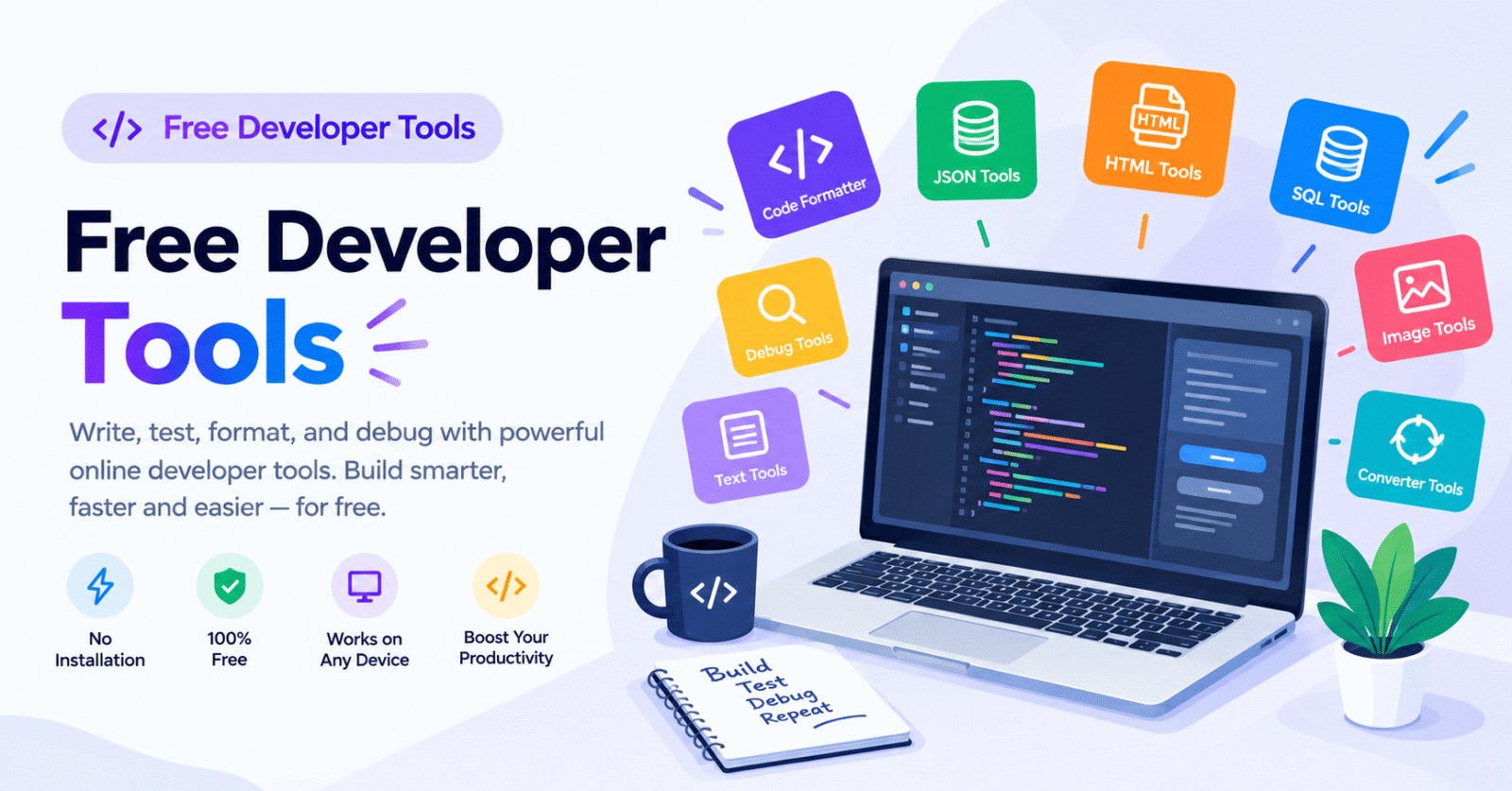
Choosing between free developer tools and paid software is not just about saving money. It is about finding the right balance between productivity, functionality, security, and long-term value.
Free developer tools can handle everyday tasks such as code formatting, text comparison, debugging, API testing, and version control. Paid software often adds advanced automation, enterprise security, team collaboration, and dedicated technical support.
The short answer: Free developer tools are ideal for everyday development, learning, and smaller projects. Paid software is worth considering when advanced features, security, and professional support justify the investment.
Let’s compare both options and understand which approach works best for modern developers and IT professionals.
What Are Free Developer Tools?
Free developer tools are applications, platforms, and online utilities that help developers complete programming tasks without paying subscription or licensing fees.
They simplify repetitive activities and make development workflows more efficient.
Popular examples include:
- Visual Studio Code: A free code editor supporting multiple programming languages.
- Git: An open-source version control system.
- GitHub: A platform for code hosting and collaboration.
- Postman: An API development and testing platform with free and paid plans.
- ilovemytoolbox: An online platform offering developer utilities such as text comparison and code formatting.
These tools support developers working with JavaScript, Python, PHP, HTML, CSS, and other technologies.
According to the 2024 Stack Overflow Developer Survey, more than 65,000 developers across 185 countries participated in the research. Visual Studio Code was the most widely used development environment among respondents.
This demonstrates how accessible tools have become an important part of modern development workflows.
What Is Paid Developer Software?
Paid developer software includes applications and platforms that charge subscription fees, licensing costs, or usage-based payments.
These products typically target professionals, development teams, and businesses requiring specialized capabilities.
Examples include:
- JetBrains IDEs: Professional development environments with advanced coding features.
- GitHub Copilot: AI-powered coding assistance.
- Postman Professional: Advanced API collaboration and management.
- Datadog: Application performance monitoring and observability.
- Sentry: Application error monitoring.
Depending on the product and subscription, paid software may provide advanced integrations, centralized administration, enhanced collaboration, and dedicated support.
However, paying for software does not automatically guarantee better results. Its value depends on whether its features solve genuine workflow problems.
Remember: Free and paid are pricing categories, not quality ratings. Some open-source tools are more capable than commercial alternatives for specific development tasks.
Why Are Free Developer Tools a Smart Choice?
Free developer tools provide practical functionality without adding software expenses to your development budget.
1. Reduce Development Costs
Multiple software subscriptions can become expensive, especially for freelancers and startups.
Free tools help reduce recurring expenses while providing essential development capabilities.
For example, developers can use Git for version control, Visual Studio Code for editing, and online utilities for text comparison and code formatting.
2. Simplify Everyday Tasks
Formatting code, comparing text, validating syntax, and testing small code snippets can consume valuable time.
Free online developer tools simplify these activities without requiring complicated installations.
Platforms such as ilovemytoolbox provide useful utilities for common development tasks.
3. Support Learning and Experimentation
Developers regularly explore new programming languages, frameworks, and technologies.
Free tools allow students, beginners, and professionals to experiment without committing to expensive subscriptions.
4. Encourage Open-Source Collaboration
Open-source software allows developers to inspect, modify, and contribute to source code under its applicable license.
GitHub’s Octoverse 2024 report recorded nearly 1 billion contributions to public and open-source projects during 2024.
This highlights the importance of open-source collaboration in modern software development.
When Is Paid Developer Software Worth the Investment?
Free tools cannot meet every professional requirement. Paid software becomes valuable when advanced capabilities solve specific business or technical problems.
1. Advanced Features and Automation
Premium software may provide advanced debugging, automated testing, AI-assisted coding, and deployment workflows.
These capabilities can help teams manage complex applications and larger codebases.
2. Enterprise Security
Businesses often require centralized access management, audit logs, security policies, and administrative controls.
Some enterprise subscriptions provide these capabilities. However, organizations should verify actual security documentation and compliance certifications rather than assuming every paid product is secure.
3. Dedicated Technical Support
Community forums are useful, but they may not provide immediate assistance during critical production issues.
Paid plans can offer professional onboarding, dedicated support, and faster response times.
For businesses where downtime creates financial losses, these services can justify additional expenses.
4. Improved Team Collaboration
Development teams often need shared workspaces, permission management, reporting, and project management integrations.
Paid software may simplify these processes and reduce administrative work.
How Do You Choose the Right Developer Tools?
The best approach is to evaluate tools according to your actual development requirements.
Follow these five steps:
- Identify your requirements: List regular activities such as coding, debugging, API testing, and version control.
- Start with free alternatives: Test reliable free developer tools before purchasing subscriptions.
- Evaluate performance: Check whether the software handles your workload efficiently.
- Review security: Examine privacy policies, data handling, maintenance, and licensing.
- Upgrade when necessary: Purchase premium features only when they solve genuine workflow problems.
The 2024 Stack Overflow Developer Survey also found that 76% of respondents were using or planning to use AI tools in their development process.
This reflects growing interest in automation and AI-assisted programming. However, developers still need human judgment, code reviews, and proper testing.
As Linus Torvalds famously said, “Talk is cheap, show me the code.” His perspective reinforces an important principle: practical results matter more than software marketing claims.
Can You Combine Free and Paid Developer Tools?
Yes. Combining free and paid software is a practical way to build a cost-effective development environment.
For example, a developer could use:
- Visual Studio Code for everyday coding.
- Git for version control.
- Free online tools for text comparison and code formatting.
- GitHub for repository management.
- Paid monitoring software for production applications.
- Premium AI coding assistance when necessary.
This hybrid approach helps developers control expenses while accessing advanced capabilities where they matter most.
Final Verdict: Free Developer Tools vs Paid Software
Free developer tools and paid software both have important roles in modern development workflows.
Free tools are suitable for everyday programming, learning, testing, formatting, and smaller projects. Paid software becomes valuable when teams require advanced automation, enterprise security, dedicated support, and specialized functionality.
The smartest approach is not to choose one category exclusively.
Frequently Asked Questions
1. Are free developer tools good enough for professional developers?
Yes, free developer tools can support professional development workflows. Visual Studio Code and Git are widely used examples. The 2024 Stack Overflow survey included more than 65,000 developers, demonstrating the relevance of accessible development technologies.
2. What is the main difference between free and paid developer software?
The main difference is pricing and included functionality. Free tools often cover essential development tasks, while paid platforms may provide advanced automation, enterprise administration, integrations, and dedicated technical support.
3. Which free developer tools should beginners use?
Beginners can start with Visual Studio Code, Git, GitHub, and free online developer utilities. These tools support coding, version control, collaboration, and everyday technical tasks without requiring expensive software subscriptions.
4. Is paid developer software worth the investment?
Paid developer software is worth considering when additional features solve genuine business problems. Advanced integrations, enterprise security, and dedicated support can justify the expense for teams managing complex applications.
5. Can developers use free and paid tools together?
Absolutely. Developers can combine Git and Visual Studio Code with premium monitoring, testing, or AI coding platforms. This hybrid approach helps control expenses while maintaining access to specialized development features.
6. Where can I find free online developer tools?
You can explore developer utilities through ilovemytoolbox, including tools for text comparison and code formatting. These online utilities help simplify everyday development tasks without requiring additional software purchases.