A text reverser is a simple online utility which reverses the text. You can input or copy/paste your text into the tool and then reverse it without having to rearrange all the letters or words. A text reverser can be useful for creating backwards text, solving a word puzzle, checking a palindrome or playing around with the formatting of text.
What is a Text Reverser?
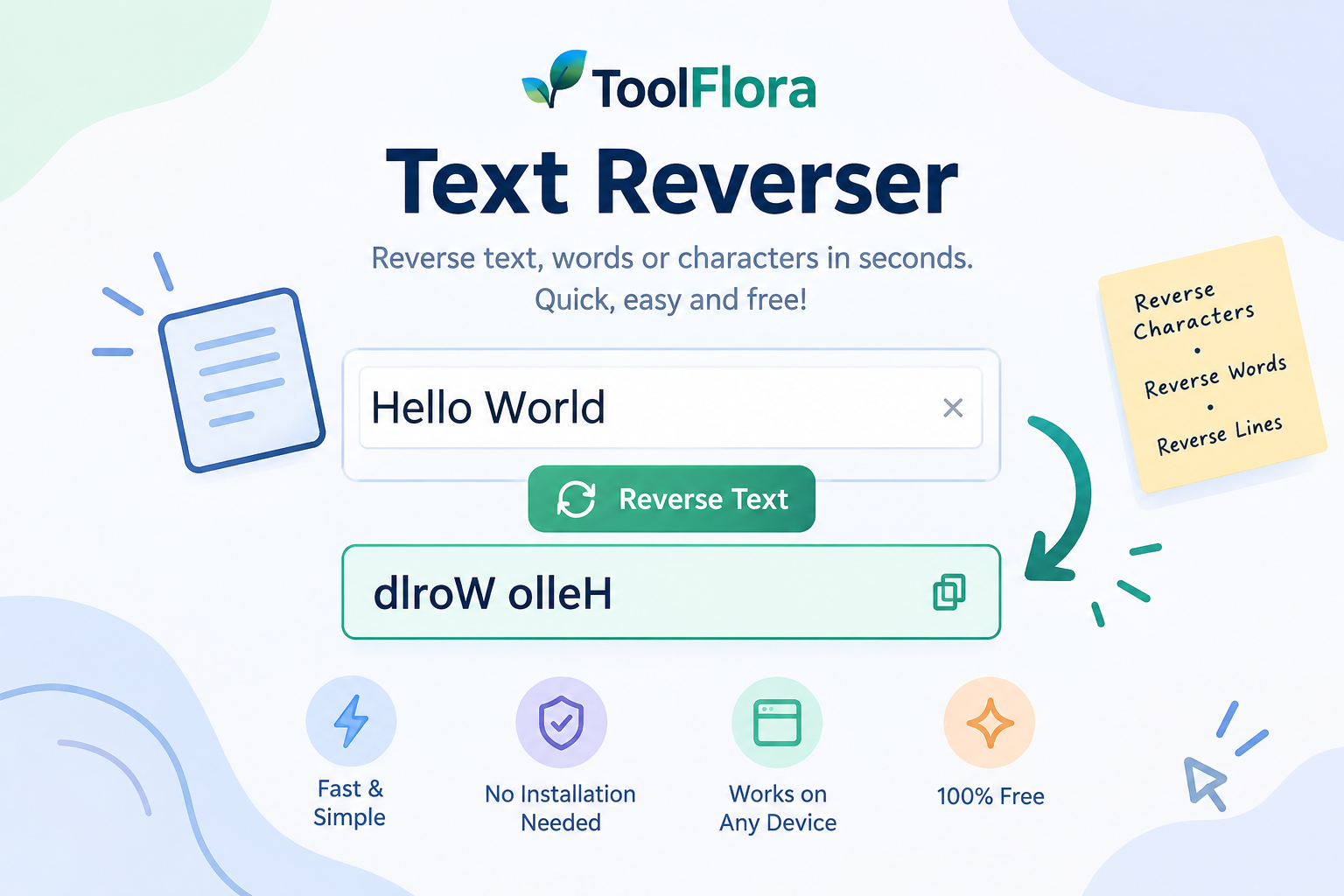
A text reverser is a website that reverses your text. If you type in “Hello World”, for instance, and reverse the characters, you will get “dlroW olleH”. Sometimes, the words or lines in the text can be reversed instead of characters, depending on the available option for reversal.
This is why a text reverser comes in handy for writers, students, developers, puzzle makers and those who want to flip text without having to edit it by hand.
To use the Text Reverser:
Simply using the ToolFlora Text Reverser is very easy:
Type or copy the words to be reversed into the box on the left.
If there are multiple reversal modes available, select the one that is available.
Generate the reversed text.
Re-read the answer and duplicate it for future reference.
This can be a short word, sentence, paragraph or other plain-text content. It saves your time by automatically performing the reversal, rather than you having to do it manually.
What is the need of using text reversers?
It can be cumbersome to edit the text backwards one letter at a time, particularly if you’re dealing with longer sentences or multiple lines. A text reverser will convert the text in seconds and minimize the chances of typing/ ordering errors.
It may be helpful for:
Creating backwards text for games and puzzles
Identifying palindromic words or phrases
Creating fun messages for social media
Exploring what happens when apps are run against reversed strings.
Using typography and text effects
Changing the order of words for particular writing or development purposes
Rapidly remodelling and reworking sample text for testing purposes
If you type “reverse this text”, the reverse text is “txet siht esrever.”
Reverse Characters vs. Reverse Words
Note that reversing the characters and reversing the words are not the same.
Character reversal is when the position of each character is changed. For example:
dlroW olleH → Hello World
Word reversal does not change the order of the letters in each word, but changes the order of the words:
Hello World becomes World Hello.Hello World becomes Hello World!
Select the appropriate method according to the desired objective.
Who is a target audience for Text Reverser?
Almost everyone who works with text can use a text reverser. Students can use it to practice language, create puzzles, writers can try their hand at creating text backwards, developers can use it to write test strings, and fun users can create backwards messages to send to friends.
The automated transformation will enable you to work with text more efficiently without having to install any specialized software.
Use Reverse Text Online With ToolFlora to add reverse text to your photos.
With convenient Browser Based tools from ToolFlora text manipulation is easy. Quickly reverse your text using the Text Reverser, view the output, and copy the reversed text at the end. When you need to turn text around without having to change each word or character in reverse, it’s a practical answer.