As businesses continue to embrace hybrid and remote work environments, employees need secure and reliable access to their work applications and data from anywhere. Traditional office-based computing models often struggle to meet these demands, leading organizations to adopt more flexible IT solutions. One such solution is a remote virtual desktop, which enables users to access a complete desktop environment over the internet from virtually any device.
A remote virtual desktop provides the convenience of working from anywhere while maintaining enterprise-level security, performance, and centralized management. Whether you’re a small business owner, accountant, healthcare professional, or remote employee, understanding how this technology works can help you improve productivity and simplify IT operations.
What is a Remote Virtual Desktop?
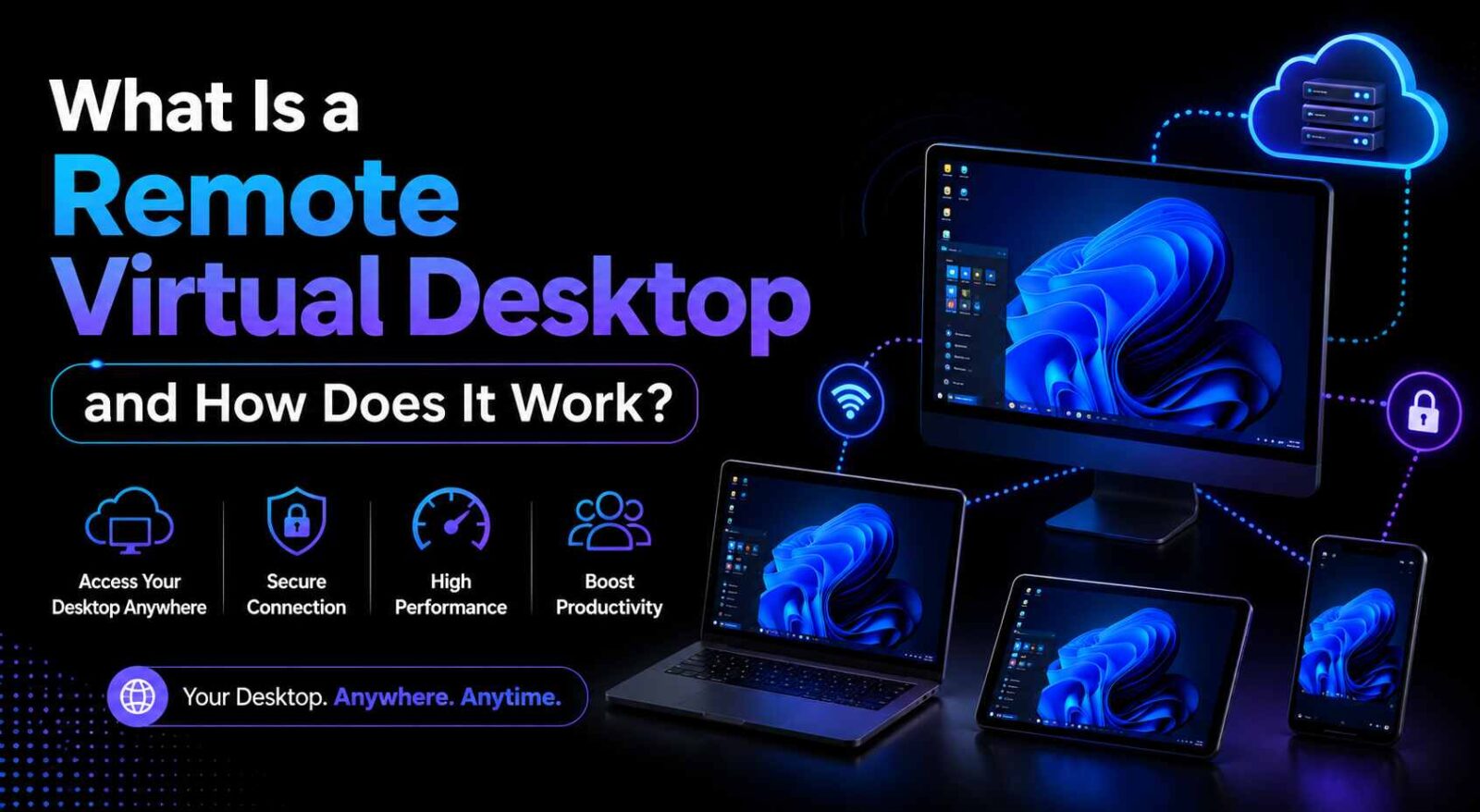
A remote virtual desktop is a cloud-hosted desktop environment that allows users to access their applications, files, and settings remotely through an internet connection. Instead of running software and storing data on a local computer, the desktop environment is hosted on a remote server or cloud infrastructure.
Users can connect to their virtual desktop using laptops, desktops, tablets, or even smartphones. Once connected, they experience a familiar desktop interface that functions similarly to a traditional PC, regardless of the device being used.
This technology is commonly delivered through Virtual Desktop Infrastructure (VDI) or Desktop-as-a-Service (DaaS) solutions, making it easier for organizations to provide secure remote access to employees.
How Does a Remote Virtual Desktop Work?
A remote virtual desktop operates by hosting desktop environments on centralized servers located in a data center or cloud platform. Here’s a step-by-step overview of how it works:
1. Desktop Environment Is Hosted in the Cloud
The virtual desktop runs on powerful servers maintained by a cloud provider. These servers contain the operating system, applications, and user data.
2. User Connects Through a Secure Network
Employees access their desktops using secure protocols and authentication methods. This often includes multi-factor authentication (MFA) and encrypted connections to protect sensitive information.
3. Processing Happens on the Server
Instead of relying on the user’s local device for computing power, the remote server handles processing tasks. The user’s device simply displays the desktop interface and sends keyboard and mouse inputs.
4. Data Remains Centralized
All files and business data remain stored on secure servers rather than individual devices. This reduces the risk of data loss and improves compliance with security policies.
5. Real-Time Desktop Experience
Users interact with applications and files in real time, creating an experience similar to working on a local computer.
Key Features of Remote Virtual Desktops
Organizations choose virtual desktop solutions because they offer several advantages over traditional desktop environments.
1. Anywhere Access
Employees can securely connect to their work desktops from home, the office, or while traveling, ensuring uninterrupted productivity.
2. Enhanced Security
Since data remains stored in centralized servers, businesses can enforce strict security policies, perform regular backups, and reduce risks associated with lost or stolen devices.
3. Device Flexibility
A remote virtual desktop can be accessed from various devices and operating systems, including Windows, macOS, Linux, Android, and iOS.
4. Centralized Management
IT administrators can deploy updates, install applications, manage user permissions, and troubleshoot issues from a central location.
5. Scalability
Businesses can quickly add or remove users without purchasing additional physical hardware, making virtual desktops ideal for growing organizations.
Benefits for Businesses
Here are some of the key benefits businesses can gain:
• Improved Remote Work Capabilities
Virtual desktops allow employees to maintain access to business applications and files regardless of location, supporting remote and hybrid work models.
• Reduced IT Costs
Organizations can lower hardware expenses and minimize maintenance requirements since computing resources are hosted in the cloud.
• Better Collaboration
Teams can access shared resources and applications from anywhere, improving communication and workflow efficiency.
• Business Continuity
In the event of hardware failures, natural disasters, or office closures, employees can continue working through their virtual desktop environment.
• Simplified Compliance
Industries with strict data security requirements can benefit from centralized storage, access controls, and auditing capabilities.
Common Use Cases
Remote virtual desktops are widely used across various industries and business functions:
- Accounting and finance firms using specialized software remotely
- Healthcare organizations accessing patient records securely
- Legal firms managing confidential documents
- Educational institutions supporting online learning
- Customer support teams working from multiple locations
- Software development teams requiring centralized environments
Choosing the Right Remote Virtual Desktop Solution
When evaluating virtual desktop providers, consider factors such as:
- Security and compliance features
- Performance and uptime guarantees
- Scalability options
- Backup and disaster recovery capabilities
- Application compatibility
- Technical support availability
- Pricing structure
Selecting the right provider ensures a seamless user experience while maximizing the benefits of cloud-based desktop infrastructure.
Conclusion
A remote virtual desktop provides businesses with a secure, flexible, and cost-effective way to support modern work environments. By hosting desktops in the cloud, organizations can enable remote access, improve security, simplify IT management, and enhance overall productivity. As remote and hybrid work continue to evolve, virtual desktop solutions are becoming an essential part of digital transformation strategies.
For organizations seeking reliable cloud-hosted desktop solutions, Apps4Rent offers secure virtual desktop services designed to help businesses access applications and data from anywhere while maintaining high levels of performance, security, and scalability.