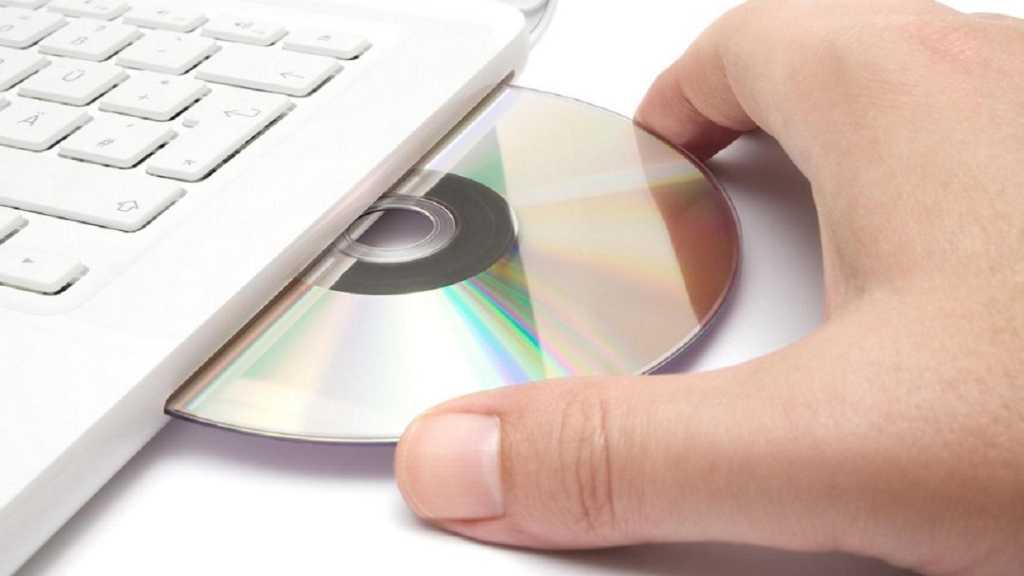
You slide an old, burned CD into your computer, labeled “Family Photos 2003,” and nothing happens. The drive spins, hesitates, then reports an error. The disc looks perfectly fine. No scratches, no cracks, no obvious damage. So why will it not open? The frustrating answer is that burned discs were never the permanent storage they seemed to be, and the files may be slipping out of reach.
Burned Discs Are Not as Durable as They Look
There is a key difference between a commercially pressed CD and one burned at home. Pressed discs, like store-bought albums, have data physically stamped into them. Burned discs work differently. They store data in a dye layer that a laser darkens to record the files. That dye is sensitive to light, heat, and time. Over the years, it fades and breaks down in a process called disc rot, making the data unreadable even when the disc looks spotless.
Storage conditions speed this up. A disc kept in a hot closet, sunny room, or damp basement degrades faster than one in a cool, dark, stable place. Scratches, fingerprints, and moisture add their own problems. The result is a disc a drive can no longer reliably read, with photos once assumed safe now trapped behind errors.
Why Some Discs Fail Even in Perfect Condition
Physical decay is only part of the story. Sometimes a disc in great shape still will not open, and the reason has nothing to do with damage. The usual causes are worth knowing:
- Disc rot: The dye layer fades over time, making data unreadable even on a clean disc.
- Outdated burning software: Older or uncommon software can render a disc unreadable to modern machines.
- Unfinalized discs: A disc burned but never properly finalized may play in the computer that created it yet fail everywhere else.
This is why a disc can be physically perfect and still refuse to open. The problem is in how the data was written, not in the surface that is visible.
How a CD to Digital Service Recovers Your Files
Moving content from CD to digital protects it from all of these failure points at once. When a disc gives professional equipment trouble, a skilled technician can troubleshoot and attempt the transfer using multiple methods rather than giving up after one failed read.
It is worth being honest about the limits. A professional CD to digital service cannot guarantee that every disc will transfer successfully. Discs that are severely damaged or corrupted, or that were never finalized, may be beyond standard recovery. In those cases, a trustworthy provider identifies which discs are problematic and returns them, so the owner can decide whether to pursue forensic data recovery elsewhere. No surprises, no vague promises.
For the discs that do transfer, the result is clean, usable digital files. Video content typically comes back as high-quality MP4 files compatible with both Mac and PC, and audio CDs are delivered as MP3 or WAV files. From there, everything can be stored safely in the cloud with a download or on a USB drive for anyone who prefers a physical copy. Either way, the content is finally free of the fragile disc holding it hostage.
Do Not Wait for the Disc to Fail Completely
The hard part about disc rot and finalization problems is that they usually surface at the worst possible moment, when the files are finally needed and will not open. Every year a burned disc sits unused, the odds of a clean recovery drop. Acting while a disc still reads, even intermittently and only on certain drives, gives the best chance of saving what is on it.
For a stack of burned CDs holding photos, home videos, or documents that cannot be replaced, Scan5 is the reliable CD to digital service trusted to recover them with professional equipment and an honest approach. Moving from CD to digital with Scan5 gives the best chance at a clean transfer, top-quality digital files, and clear written quotes before any work begins. Drop discs off at the Chicago location, schedule a local pickup, or ship them with a prepaid UPS label to recover those files while they still can be saved.