
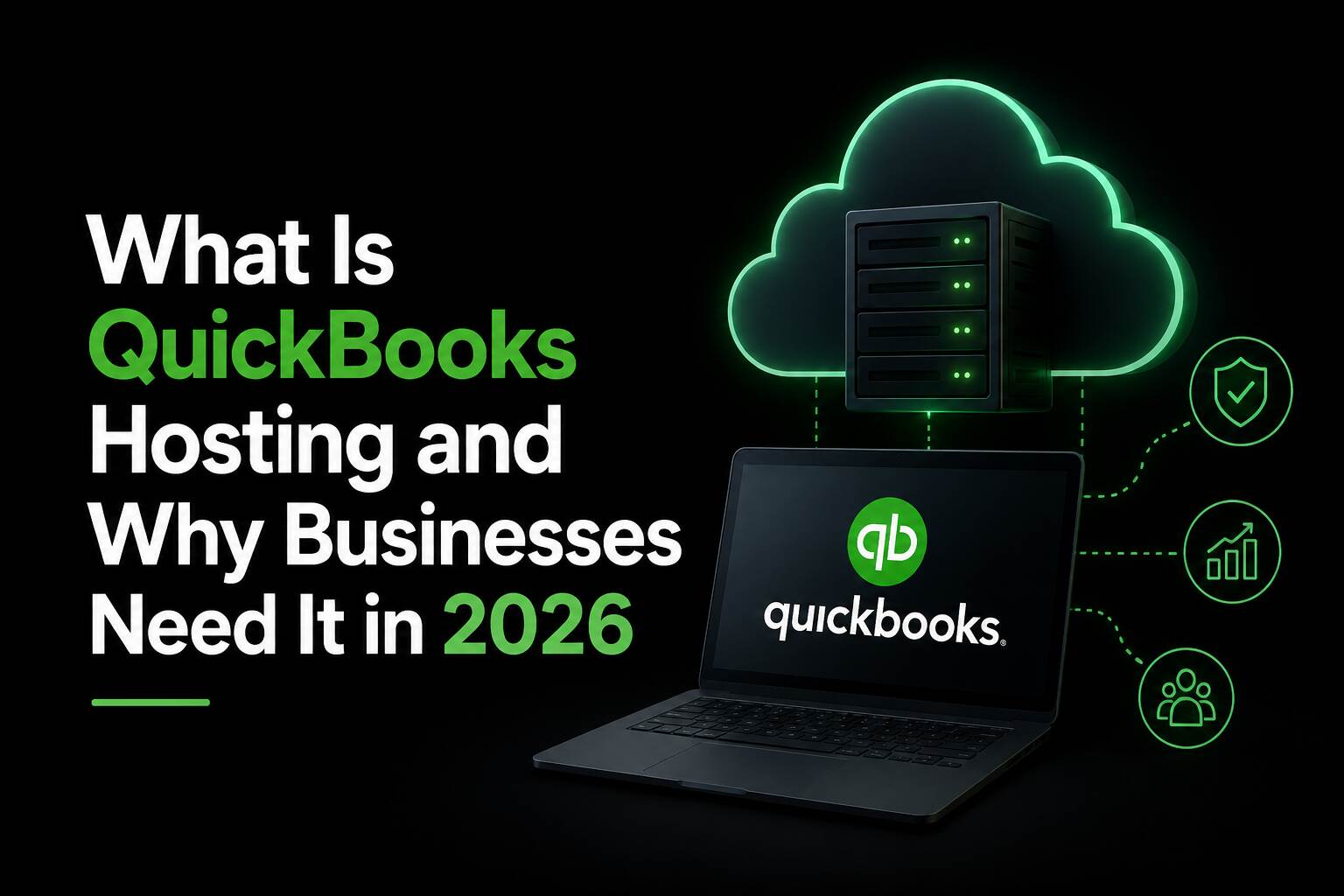
If you’ve been running QuickBooks Desktop on a single office computer, you already know the frustrations – only one person can access the file at a time, remote work is a nightmare, and if that machine crashes, so does your entire accounting history. In 2026, there’s a better way. It’s called QuickBooks hosting, and it’s quietly become one of the smartest moves a growing business can make.
What is QuickBooks Hosting?
QuickBooks Hosting means your QuickBooks Desktop software—whether that’s Pro, Premier, Enterprise, or Accountant edition—runs on a secure remote server instead of your local PC. You connect to it through a browser or a lightweight remote desktop app, and it feels exactly like you’re sitting at your office computer. Except you could be working from a coffee shop in New York City, your home in Dallas, Texas, or a client’s office in Los Angeles, California.
This is different from QuickBooks Online. Hosted QuickBooks is still the full Desktop product, with every feature, report, and customization you already rely on — just moved to the cloud.
How Does It Work?
A QuickBooks hosting provider sets up a dedicated cloud server, installs your licensed copy of QuickBooks on it, and secures the environment with enterprise-grade firewalls, encryption, and automated backups. You log in, see your familiar QuickBooks interface, and work normally. Your company file lives in the cloud — always current, always backed up, always accessible to whoever you authorize.
There’s no hardware to maintain, no IT person to call when the office server overheats, and no panic when someone spills coffee on the office desktop.
Why Businesses Need QuickBooks Hosting in 2026
The way businesses operate has changed significantly over the past few years. Remote work, digital collaboration, and cloud computing are now standard business practices. Here are the key reasons why businesses need QuickBooks hosting in 2026.
1. Remote Access Anytime, Anywhere
One of the biggest advantages of QuickBooks hosting is the ability to access accounting data from any location. Whether employees are working from home, traveling, or operating from multiple office locations, they can securely log in and manage financial tasks without interruption.
This flexibility helps businesses maintain productivity while supporting hybrid and remote work environments.
2. Real-Time Multi-User Collaboration
Traditional desktop QuickBooks setups can create delays because only one user may access certain files at a time. Hosted QuickBooks eliminates this issue by allowing multiple authorized users to work simultaneously.
Accountants can update financial reports while business owners review invoices and employees manage payroll at the same time. This improves workflow efficiency and reduces communication delays.
3. Enhanced Data Security
Data security is a major concern for businesses in 2026 due to increasing cyber threats and ransomware attacks. Reliable hosting providers offer advanced security features such as:
- End-to-end encryption
- Multi-factor authentication
- Automatic backups
- Firewall protection
- 24/7 server monitoring
These security measures help protect sensitive financial information from unauthorized access or data loss.
With quickbooks hosting, businesses also avoid risks associated with hardware failure because data is stored securely in the cloud.
4. Cost Savings and Reduced IT Expenses
Maintaining physical servers and IT infrastructure can be expensive for small and medium-sized businesses. Companies must invest in hardware, software updates, maintenance, and technical support.
QuickBooks hosting reduces these costs by moving everything to the cloud. Businesses only pay for the resources they need while the hosting provider handles server management, updates, and maintenance.
This allows companies to focus more on growth instead of IT management.
5. Automatic Backups and Disaster Recovery
Accidental file deletion, hardware crashes, and natural disasters can lead to serious financial data loss. Hosted QuickBooks solutions typically include automatic daily backups and disaster recovery systems.
Even if a local device is damaged, businesses can quickly restore their accounting data and continue operations with minimal downtime.
6. Better Performance and Scalability
As businesses grow, their accounting needs also increase. QuickBooks hosting provides scalable resources that can support additional users, larger files, and increased workloads without performance issues.
Instead of upgrading local systems repeatedly, businesses can easily scale their hosting plans according to their requirements.
7. Integration With Business Applications
Modern businesses rely on multiple applications for payroll, CRM, inventory management, and communication. Hosted QuickBooks environments often support integration with third-party business tools, improving overall workflow automation.
This creates a more connected and efficient business environment.
Who Benefits Most from QuickBooks Hosting?
QuickBooks Hosting is a smart move for almost any business, but it’s especially valuable for:
- Remote or hybrid teams that need a shared, live accounting environment across locations
- CPA firms and bookkeepers managing multiple client files at once without the back-and-forth of emailing company file backups
- Construction and contracting businesses where job costing needs to be updated from the field
- Healthcare and professional services firms that need SOC-2 or HIPAA-compliant environments
- Non-profits that need fund accounting features without the overhead of in-house IT
- Retailers and e-commerce businesses needing real-time inventory and financial data across multiple locations
Hosted QuickBooks vs. Traditional Desktop: A Quick Comparison
|
Feature |
Desktop (Local) |
Hosted (Cloud) |
|
Access from anywhere |
✗ No |
✓ Yes |
|
Multi-user collaboration |
✗ Same network only |
✓ Anywhere, real time |
|
Automated backups |
✗ Manual |
✓ Daily, automatic |
|
IT maintenance |
✗ Your responsibility |
✓ Managed by provider |
|
Disaster recovery |
✗ Limited |
✓ Built-in |
|
Scalability |
✗ Slow and costly |
✓ Minutes |
What to Look for in a QuickBooks Hosting Provider
Not every provider is worth trusting with your financial data. Before signing up, make sure they offer:
- Intuit authorization — confirms they meet Intuit’s standards for licensing and compatibility
- 99.9% or higher uptime SLA — downtime during month-end close is genuinely painful
- 24/7 US-based support — accounting emergencies don’t follow business hours
- Daily automated backups with easy file restore — ask specifically how long a restore takes
- Transparent, flat-rate pricing — no surprise charges for bandwidth or storage
- Dedicated server options — important for businesses with strict data isolation needs
Final Thoughts
The way businesses use accounting software has fundamentally shifted. Remote work, distributed teams, and the demand for real-time collaboration have made local desktop accounting a liability rather than an asset. QuickBooks Hosting gives you the best of both worlds — the full power of QuickBooks Desktop, delivered with the accessibility and security of the cloud.
If you haven’t explored hosting yet, 2026 is the year to do it.
Ready to Move Your QuickBooks to the Cloud?
Apps4Rent is an Intuit-authorized QuickBooks hosting provider with over 20 years of experience helping businesses of all sizes make the move to the cloud. They offer dedicated and shared hosting plans, free migration assistance, 24/7 US-based support, and a 99.9% uptime SLA — with no long-term contracts required.
Frequently Asked Questions
Q: Is QuickBooks Hosting the same as QuickBooks Online?
No. QuickBooks Online is a separate, browser-based product with a different feature set. Hosting runs your existing QuickBooks Desktop software on a cloud server — you keep all your Desktop features, reports, and customizations intact.
Q: Do I need to buy a new QuickBooks license to get hosted?
Not necessarily. If you already own a Desktop license, you can bring it to a hosting provider. Apps4Rent can also help you source one if needed, within Intuit’s authorized terms.
Q: How long does migration take?
Most migrations are completed within 24–48 hours. A good provider handles the entire process — moving your company files, installing software, and verifying everything — with zero disruption to your day-to-day work.
Q: Is my financial data safe on a remote server?
Yes, often safer than on a local machine. Enterprise hosting environments use 256-bit encryption, multi-factor authentication, and SOC-2 certified data centers with daily automated backups.
Q: Can my accountant access the hosted QuickBooks file?
Absolutely. You grant your CPA or bookkeeper their own secure login and they work directly in your live company file — no more emailing backups or worrying about version mismatches.