Nobody notices good streaming architecture. They only notice bad architecture — the spinning buffer wheel, the video that drops to blurry 240p for no obvious reason, the live stream that lags eight seconds behind real time during the exact moment everyone’s watching.
All of that invisible reliability comes down to a handful of decisions made long before a single viewer presses play: how content gets transcoded, which adaptive streaming protocol delivers it, and how the backend orchestrates all of it at scale. This piece walks through that architecture in practical terms — HLS versus DASH, what transcoding actually does, and how the pieces fit together in a production streaming app.
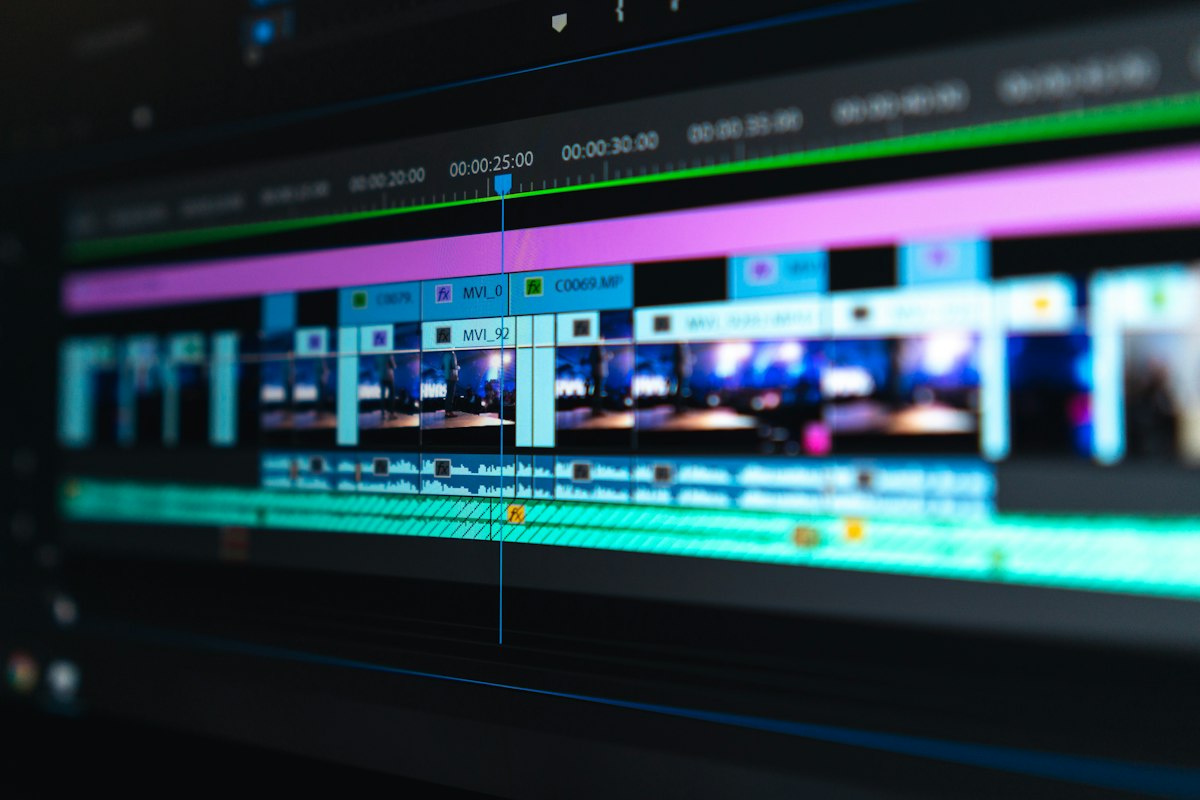
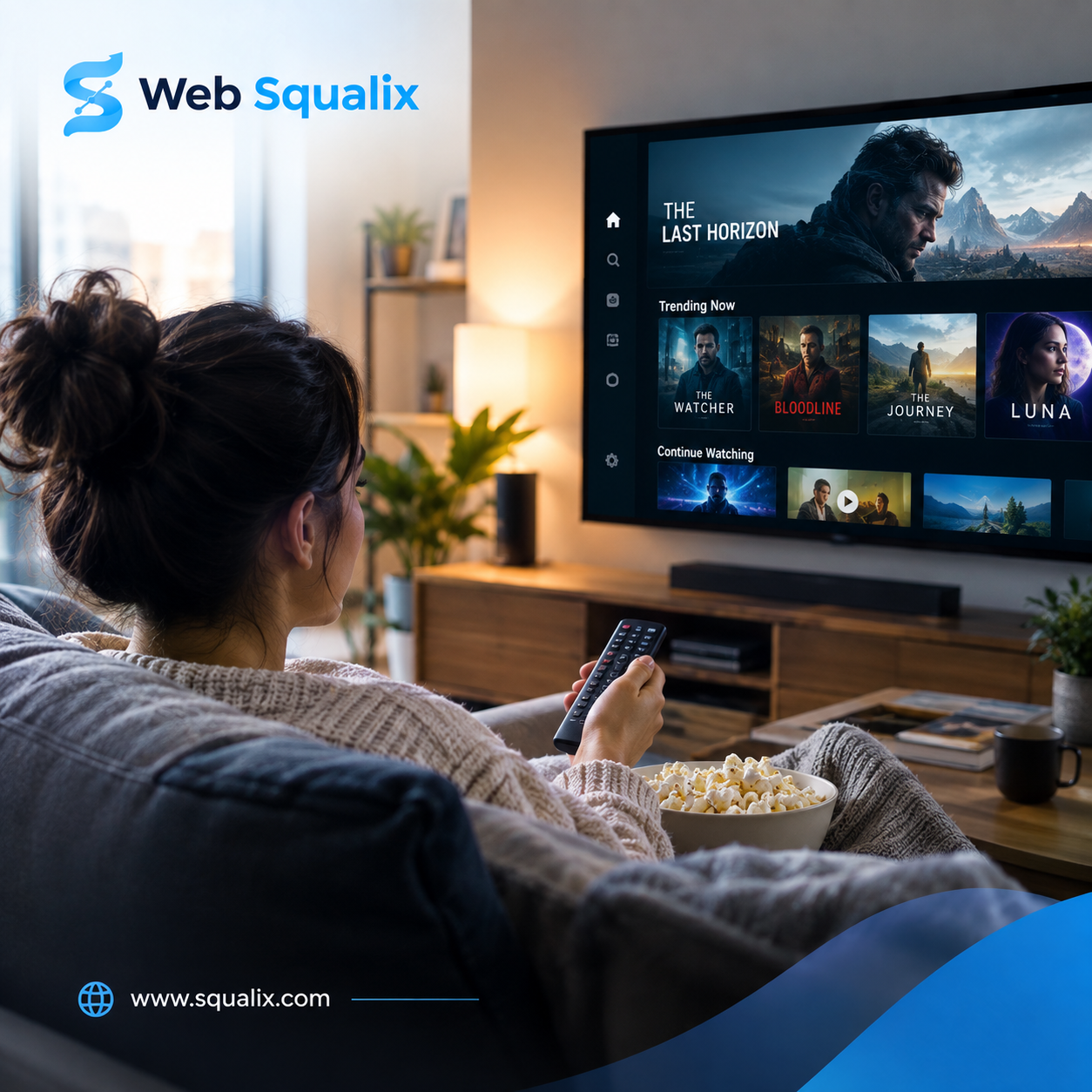
What looks like a simple play button on the front end is backed by an encoding, packaging, and delivery pipeline running well before the viewer ever presses it.
Why Adaptive Streaming Exists in the First Place
Early video-on-demand services often shipped one fixed video file per title, and buffering was just accepted as part of the experience. Adaptive streaming fixed that by breaking video into short segments encoded at multiple quality levels, then letting the player switch between them in real time based on the viewer’s actual network conditions.
That switching happens seamlessly because of two competing (and very similar) standards: HLS and DASH. Both exist to solve the same core problem — deliver the highest quality a connection can sustain, without a rebuffer — but they arrived from different directions and still carry some of that history in how they behave today.
HLS: The Protocol Apple Built and the Internet Adopted
HTTP Live Streaming was introduced to support video on iOS devices, and it’s since become close to a universal standard, largely because it’s plain HTTP under the hood — no special streaming server required, just files sitting behind a CDN. HLS splits video into .ts (or fragmented MP4) segments, typically a few seconds each, indexed by an .m3u8 playlist file that tells the player which segments exist at which quality levels.
Its biggest practical advantage is device support. Native playback on iOS and Safari, wide support elsewhere through player libraries, and mature tooling for both live and on-demand delivery. Its long-standing weakness was latency — traditional HLS segment lengths introduced a real delay between the live moment and what viewers actually saw, though newer specifications have narrowed that gap significantly with shorter segments and preload hints.
DASH: The Format-Agnostic Alternative
Dynamic Adaptive Streaming over HTTP was built as an open, codec-agnostic standard through MPEG, meaning it isn’t tied to any one company’s format the way HLS originally was. DASH uses a manifest file (an MPD, or Media Presentation Description) instead of .m3u8, and it supports a wider range of codecs out of the box, including newer, more efficient ones that reduce bandwidth without sacrificing quality.
DASH tends to be the preferred choice on Android and web-based players outside Apple’s ecosystem, and it’s common in advertising-heavy platforms because of how well it supports dynamic ad insertion at the manifest level. The trade-off is the same one HLS has on the other side — DASH isn’t natively supported in Safari or on iOS, so most cross-platform apps end up needing to support both protocols rather than picking one.

The transcoding and packaging layer typically runs on distributed compute, encoding each upload into a full ladder of resolutions before it ever reaches a CDN.
HLS vs. DASH: What Actually Decides the Choice
In practice, most serious streaming apps don’t choose one over the other — they support both and let the player pick based on the platform. But when a real trade-off does need to be made, it usually comes down to:
Device reach tends to favor HLS, since it’s natively supported across the broadest range of hardware without extra player libraries. Codec flexibility tends to favor DASH, since it isn’t locked into a single company’s preferred formats. Ad insertion workflows often lean DASH, because dynamic manifest manipulation is more mature there. And low-latency live streaming has converged somewhat, since both LL-HLS and LL-DASH now offer sub-second-to-few-second latency when properly configured.
The practical answer for most teams building a video streaming app is to support both from day one, using a packaging step that outputs both manifest formats from the same encoded renditions rather than treating them as two separate pipelines.
The Transcoding Pipeline: Where the Real Work Happens
Neither HLS nor DASH means anything without transcoding — the process of converting an uploaded or captured video into the multiple resolutions and bitrates that adaptive streaming actually switches between. A typical pipeline looks something like this:
Ingestion. The raw file or live feed comes in, gets validated, and is queued for processing. For live streams, this is a continuous ingest rather than a single file drop.
Encoding ladder generation. The source gets transcoded into a set of renditions — commonly something like 240p, 360p, 480p, 720p, 1080p, and 4K where relevant — each at an appropriate bitrate for that resolution. This is the computationally expensive part, and it’s where hardware-accelerated encoding (via GPU or dedicated encoding chips) makes a meaningful difference in processing time and infrastructure cost at scale.
Segmentation and packaging. Each rendition gets sliced into short segments and packaged into the container formats HLS and DASH expect, with manifest files generated to describe the available quality levels.
Encryption and DRM (where needed). Premium or licensed content typically gets encrypted at this stage, with keys managed separately from the content itself.
CDN distribution. The packaged segments and manifests get pushed to edge servers, so playback requests are served from a location close to the viewer rather than a single origin server taking every request directly.
Backend Architecture Around the Pipeline
The transcoding pipeline itself usually isn’t the hardest part to build — there are solid open-source and managed tools for that layer. The harder engineering problem is everything coordinating around it: job queues that track which uploads are mid-processing, metadata storage that ties a video ID to its available renditions and manifest URLs, and APIs that the front end queries to know what’s actually playable.
A Node.js backend paired with MongoDB is a common combination here, since the metadata involved — video state, rendition availability, playback analytics, user watch history — tends to be document-shaped and doesn’t always fit neatly into a rigid relational schema. Job orchestration typically runs through a message queue, so transcoding workers can scale independently from the API layer handling playback requests.
Scaling Considerations That Actually Matter
Live and on-demand streaming stress different parts of this architecture. On-demand content puts pressure on transcoding throughput and storage, since every upload needs the full encoding ladder generated before it’s watchable. Live content puts pressure on latency and real-time transcoding capacity, since there’s no batch-processing window — everything has to happen fast enough to stay close to real time.
Storage costs also scale differently than most teams expect going in, since every video exists as multiple renditions rather than one file, and older content rarely gets deleted. Planning storage tiering — keeping recently uploaded or popular content on faster storage and moving colder content to cheaper tiers — tends to matter more over time than the initial encoding setup does.
Why Choose Web Squalix
Building a video streaming app that actually holds up under real traffic takes more than picking HLS or DASH and calling it done. Web Squalix approaches streaming architecture as a full pipeline problem — transcoding, adaptive delivery, backend orchestration, and CDN strategy designed to work together rather than getting bolted on one piece at a time.
That means building encoding ladders and packaging workflows that support both HLS and DASH from the start, backed by a Node.js and MongoDB architecture suited to the metadata-heavy, high-throughput nature of streaming platforms. Whether the priority is smooth on-demand playback or low-latency live delivery, the infrastructure gets shaped around the actual use case instead of a generic media-server template.
Support doesn’t end at launch, either — scaling storage, tuning encoding ladders as codecs evolve, and adjusting CDN strategy as traffic patterns shift are treated as part of the ongoing relationship, not a one-time setup fee.
Streaming architecture is invisible when it works. That’s exactly the point, and it’s what separates a platform people trust with their attention from one they quietly stop opening.
learn more : https://www.squalix.com/media-app-development-company