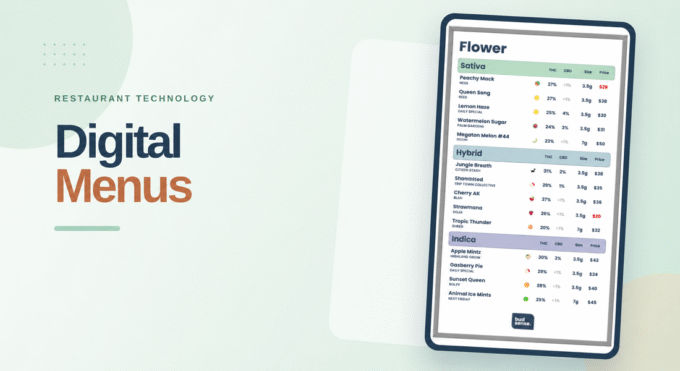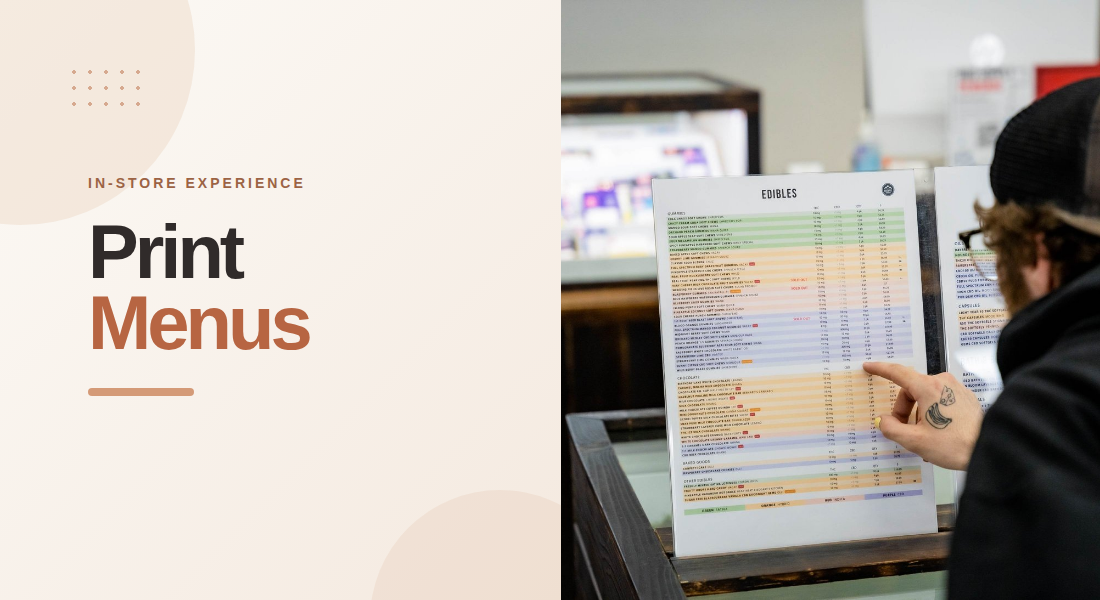
Choosing cannabis products can feel complicated for customers who are unfamiliar with different product types, cannabinoid levels, strains, and formats. In a busy retail environment, print menus give customers a convenient way to review product information at their own pace. Instead of relying entirely on staff explanations, shoppers can compare available options, understand basic product details, and prepare questions before making a purchase.
Well-organized printed menus do more than list prices and product names. They can support customer education, improve conversations with budtenders, and help dispensaries communicate product information consistently throughout the store.
1. Present Important Product Details Clearly
Customers often need more than a product name to understand what a dispensary offers. Useful menu information may include the brand, product category, package size, price, and available THC or CBD details.
When these details appear in a consistent format, customers can compare products without repeatedly asking staff to explain basic differences. Clear information also helps shoppers narrow down their preferences before making a decision.
Dispensaries should prioritize the details that matter most to their customers. A flower menu, for example, may emphasize strain names, package sizes, cannabinoid information, and pricing. An edible menu may need to present product format, serving information where applicable, and package details.
The goal is to make product information easy to scan while avoiding clutter. A menu that includes too much text or uses inconsistent formatting can make comparisons more difficult.
2. Organize Products Into Understandable Categories
A long list of products can overwhelm customers, particularly when a dispensary carries several brands and formats. Categories help turn that list into a more manageable browsing experience.
Retailers can separate products into sections such as flower, pre-rolls, vapes, edibles, concentrates, and beverages. Depending on the store’s inventory and customer needs, additional groupings may highlight price ranges, product features, or other relevant attributes.
Consistent categories also make it easier for employees to direct customers toward the right section. Rather than explaining the entire inventory, a budtender can guide a shopper to the relevant part of the menu and discuss suitable options from there.
Category labels should be straightforward and familiar. Simple organization is often more helpful than creative labels that customers may struggle to interpret.
3. Explain Cannabinoid Information Without Overcomplicating It
Cannabinoid information can help customers understand how products differ, but unfamiliar terminology may create confusion. Printed menus can present available THC and CBD information in clearly labeled columns, making these details easier to compare.
Retailers should use consistent units and explain abbreviations when needed. If a menu displays percentages, milligrams, or ranges, the format should be clear enough that customers do not confuse one measurement with another.
It is also important to avoid suggesting that a single cannabinoid figure tells customers everything about a product. Product composition, individual responses, and other characteristics can vary. Menus should communicate factual details without promising particular effects or presenting potency as a guarantee of experience.
When customers have questions about product suitability, consumption, or possible risks, trained staff can provide additional information and direct them to appropriate product labeling.
4. Use Product Descriptions to Add Context
A product name rarely explains everything a customer wants to know. Short, informative descriptions can provide context about a product’s format, listed ingredients, flavor notes, or other verified characteristics.
For example, a menu might distinguish between two products by explaining their formats, package sizes, or documented flavor profiles. This gives customers a useful basis for comparison without filling the page with lengthy promotional language.
Descriptions should remain accurate and concise. Retailers should avoid unsupported health claims, exaggerated promises, or language that implies every customer will have the same experience.
The best descriptions answer practical questions quickly. They help customers understand what a product is and how it differs from alternatives, while leaving more detailed discussions to trained staff.
5. Design Menus for Easy Reading
Product education depends on presentation as much as content. If customers cannot read a menu comfortably, even accurate information may not be useful.
Readable fonts, clear headings, adequate spacing, and strong contrast can make printed materials easier to use. Prices and product details should follow predictable patterns so customers know where to look as they move between categories.
Retailers should also consider where menus will be displayed. A menu placed near the entrance may need to provide a broad overview, while one at a counter can support more detailed comparisons. Multi-page menus can work well when sections are labeled clearly and pages are arranged logically.
Before printing, staff should review the menu at its actual size. This helps identify small text, crowded columns, confusing abbreviations, and other problems that may not be obvious on a computer screen.
6. Help Customers Prepare Better Questions
Printed menus can make conversations between customers and budtenders more productive. When shoppers have already reviewed product categories and basic specifications, they may be better prepared to explain what they want to know.
For example, a customer comparing package sizes or cannabinoid information can point to specific products and ask for clarification. Staff can then focus on explaining relevant distinctions, discussing responsible use, and answering questions that require more than a product listing.
Menus should support these conversations rather than replace them. Product information cannot account for every customer’s experience, preferences, or circumstances. Staff training remains important, especially when customers need clarification about labels, serving information, or safety considerations.
7. Keep Printed Information Current
An educational menu loses value when it lists products that are unavailable or displays outdated prices and specifications. Customers may waste time asking about products that are no longer in stock, while staff may need to correct information manually.
A regular review process helps maintain accuracy. Dispensaries should check product availability, pricing, and relevant product details whenever inventory changes. Clear procedures can also help employees identify which menus need replacing and who is responsible for updates.
Technology can reduce the manual effort involved. BudSense’s print menu platform supports POS integration, customizable layouts, smart filters, and scheduled printing, helping retailers maintain current menus more efficiently. These features can be especially useful for stores with changing inventories or multiple locations.
Accurate menus strengthen customer confidence because shoppers and employees can refer to the same product information during the purchasing process.
8. Measure Whether Menus Are Helping Customers
Dispensaries can improve their menus by collecting feedback from both customers and staff. Employees may notice that shoppers frequently ask about the same abbreviation, overlook a particular category, or struggle to compare specific products.
These observations can guide practical improvements. A retailer might revise a heading, move key details into a more visible position, simplify descriptions, or reorganize categories that customers find confusing.
Staff can also monitor whether certain menu sections generate repeated questions or whether outdated information causes avoidable delays. Reviewing feedback periodically helps stores make gradual improvements rather than redesigning every menu without a clear reason.
The purpose is not to put every possible detail on the page. It is to make the most useful information accessible and understandable.
Supporting Better Retail Education With Menu Tools
Consistent menu management can help dispensaries deliver clearer product information as their inventories and customer needs change. Retailers looking to streamline that process can use BudSense menu software to manage printed menus and keep product details organized across their in-store materials.
Final Thoughts
Printed menus remain a practical way to support product education inside dispensaries. By presenting clear specifications, organizing categories logically, using readable layouts, and keeping information accurate, retailers can help customers compare options with greater confidence.
A useful menu does not need to answer every question. It should provide a reliable starting point for informed conversations between customers and trained staff. When dispensaries combine thoughtful menu design with accurate information and helpful service, they can create a more understandable and customer-friendly shopping experience.
Frequently Asked Questions
1. Why are printed menus useful in dispensaries?
Printed menus give customers an accessible overview of products, prices, categories, and relevant specifications. They also help shoppers prepare questions before speaking with staff.
2. What information should a cannabis print menu include?
Depending on the product category, menus may include product names, brands, prices, package sizes, THC and CBD details, and concise descriptions. All information should be accurate and easy to read.
3. How can dispensaries make menus easier to understand?
Use familiar category names, readable fonts, clear headings, consistent formatting, and concise descriptions. Avoid unexplained abbreviations and crowded layouts.
4. How often should printed menus be updated?
Menus should be reviewed whenever relevant inventory, pricing, or product information changes. Automated workflows and scheduled printing can help retailers maintain current copies.
5. Can printed menus replace budtender guidance?
No. Menus provide useful basic information, but trained staff are still important for answering questions, explaining product differences, and discussing responsible use.