


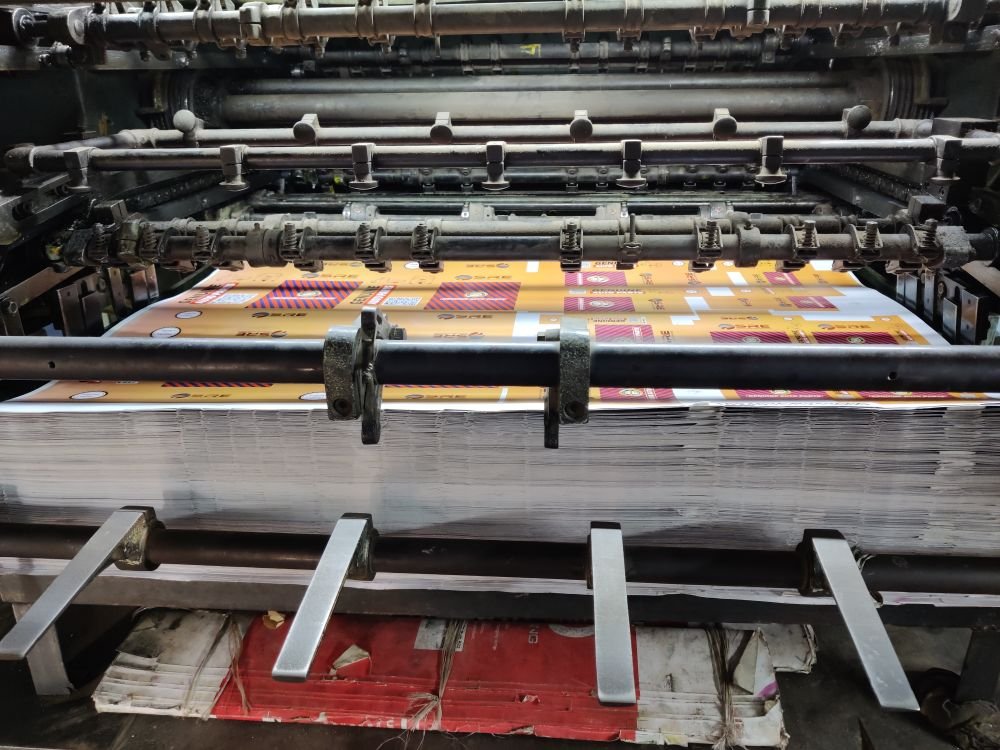
Offset printing runs on ink, not light. A HEX code from a design file tells the press nothing — a Pantone code tells it exactly which ink to mix. That difference matters on every job, because a colour that looks right on a glowing screen can shift badly once it is printed on paper.
This free converter measures the Delta-E colour distance between your HEX code and more than 2,000 Pantone swatches, then returns the closest Pantone match with an accuracy percentage. Delta-E is the standard way to describe how close two colours really are, so the percentage is not a guess: the smaller the distance, the closer the printed ink will look to the colour you designed.
Toggle Coated or Uncoated to match your paper stock, copy the Pantone code, and send that code — not a screenshot of a colour — to your printer. Coated and uncoated papers absorb ink differently, so choosing the right finish keeps the result predictable. A screenshot can change with every screen and every printer setting, but a Pantone code does not.
For example, #6366F1 matches Pantone 2726 C. Use that code in your artwork, your specification sheet and your message to the printer, and everyone in the chain is working from the same ink. That simple check saves proofs, reprints and arguments about colour.
Try the free converter here: HEX to Pantone
Enter your HEX code, check the closest match and its accuracy, pick Coated or Uncoated, and share the Pantone code with your printer before the job goes to press.