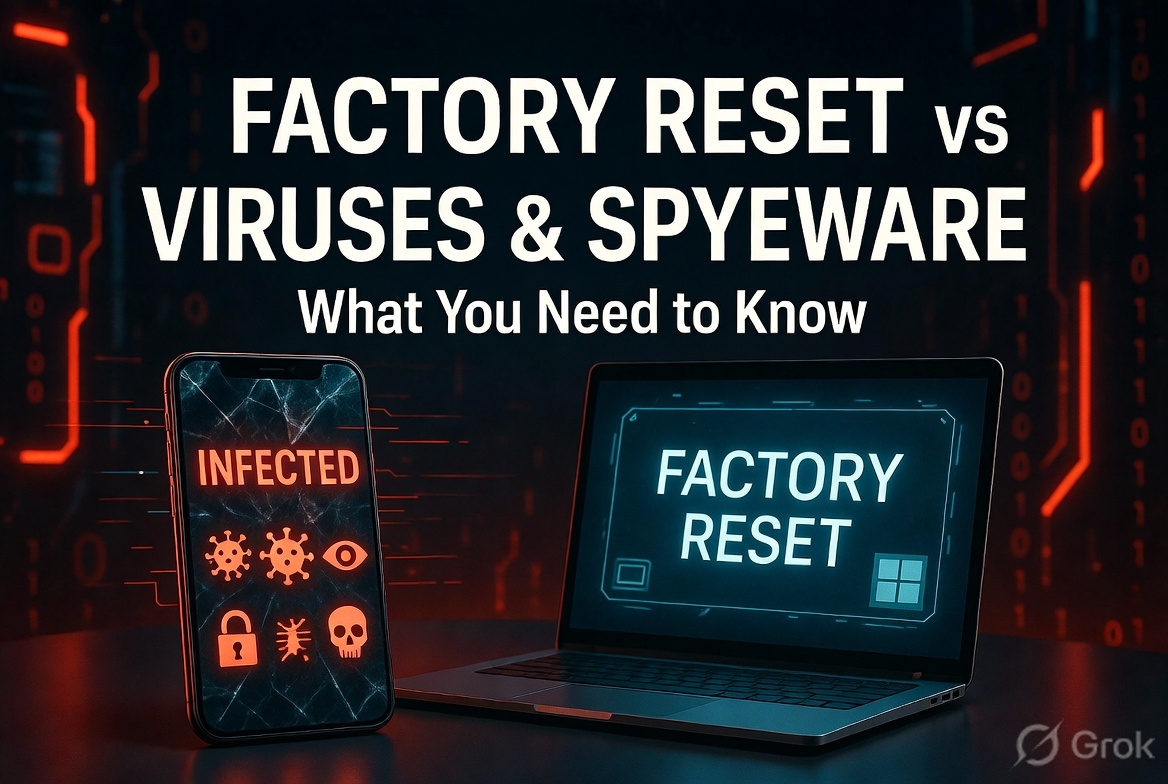
If you are also experiencing pop-ups, slowing down of your phone, or your phone behaving unpredictably, then it might be affected by malware. The most common solution is a factory reset, but this leads us to the question, “Will a factory reset remove spyware?” The answer to the question “Does factory settings remove viruses?” is yes. In this article, we will explain some limitations of a factory reset.
What Happens During a Factory Reset?
When we do a factory reset of our device, the device goes back to its original state, which means that all the data and apps are wiped off, and the settings of the device go back to default. It makes the phones similar to when you bought them and removes all the files, third-party apps, and malware.
A factory reset removes all the viruses and spyware from the device by deleting all the files, as viruses usually exist as files. Hence, it is always the best option to remove spyware from devices.
Do Factory Settings Remove Viruses Completely?
Yes, in the majority of cases, a factory reset does remove viruses completely. Once the device is reset, all the malware, like adware, trojans, gets removed along with all the data of the device. This makes your device almost new and free from viruses and malware. However, it is important to note that it might not remove viruses completely in all cases.
Why Some Malware Survives a Factory Reset?
Even after a factory reset, some viruses can still exist within your device because of several reasons –
- Infected Backups – When you restore your data from a backup that contains malware, then there are chances that the virus may return.
- Rootkits or firmware infections – these are advanced threats and viruses that exist deep within the system and cannot be removed through a factory reset.
- Compromised recovery partition – in cases when the reset source is infected, the virus can get reinstalled along with the reset process.
- External reinfection – viruses and threats can return to your device through infected peripherals, apps, or networks.
These situations can occur; however, there are very low chances of a virus returning after a factory reset.
Tips to Ensure a Clean Reset
If you want that tour factory reset effectively erases all the malware from the system, then follow these practices –
- Back up only those files that are essential, rather than backing up the entire system data or apps.
- Always scan backups with good antivirus software before restoring data.
- Install apps only from official app stores.
- Make sure to update your system right after a factory reset.
- Do not connect your device to any suspicious or unauthorized network or device.
These practices can increase the effectiveness of a factory reset.
Final Verdict
It can be concluded that the answer to the widely asked question “Does factory settings remove viruses?” is yes in most scenarios. A factory reset is the most powerful way to clean your system and remove spyware. But it is certainly not guaranteed that a factory reset will erase all the viruses.