Behind the ceiling tiles and under the floors of most offices, hotels, and schools, there’s a hidden network of cables carrying everything from video calls to security camera feeds. Most people never think about them. The people responsible for those buildings should, because the jacket on those cables affects how a fire behaves inside the building.
What Is Cat6 Plenum Cable?
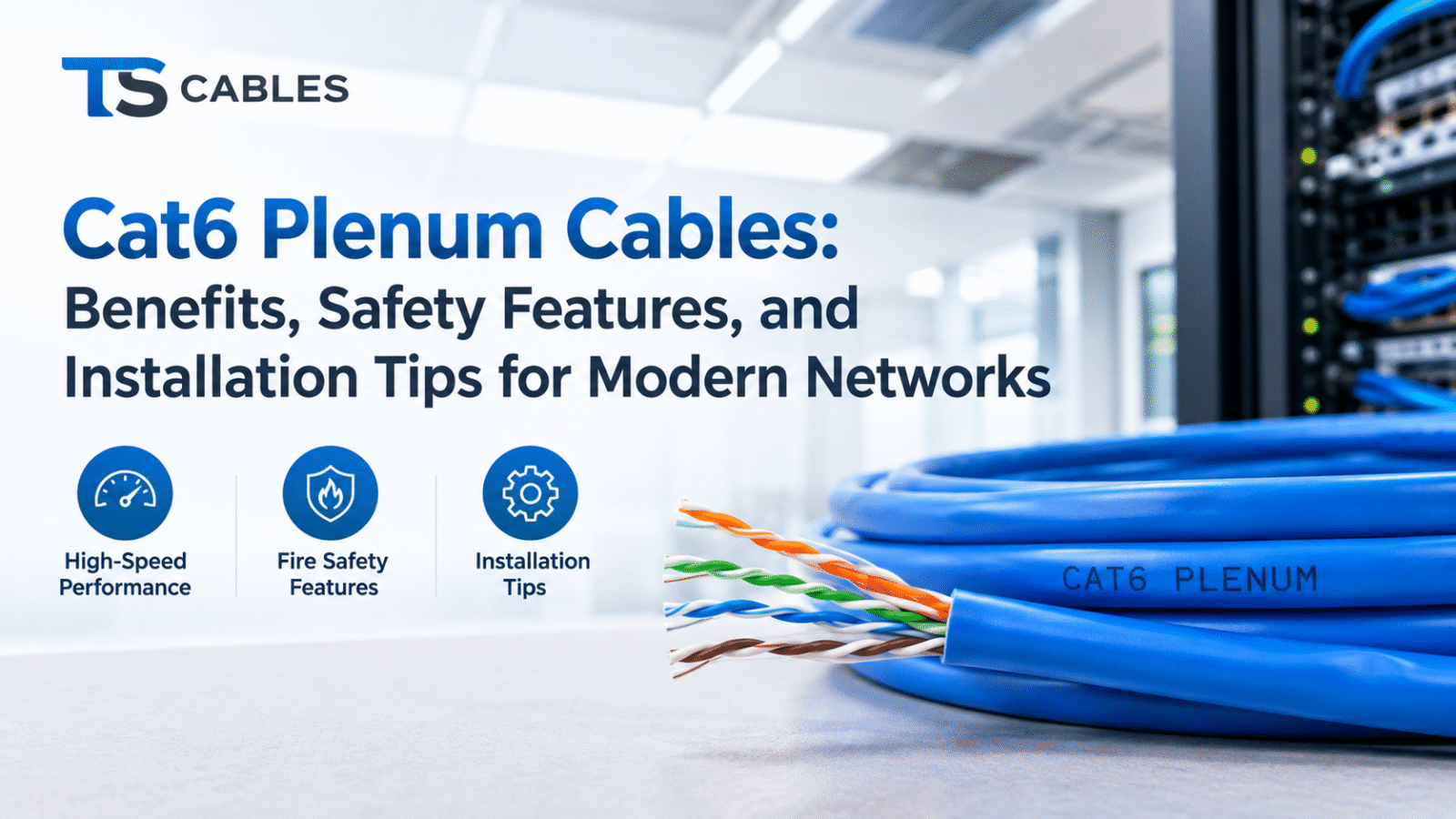
Cat6 Plenum cable is a twisted-pair Ethernet cable that meets the Category 6 performance standard and carries a plenum (CMP) fire rating. The “Cat6” part tells you about data performance. The “plenum” part tells you about the jacket material and how it behaves when exposed to fire.
Understanding the Category 6 Standard
Category 6 cabling is designed for Ethernet networks that need more headroom than older standards like Cat5e. It uses tighter twists and tighter manufacturing tolerances, which helps reduce crosstalk (signal interference between pairs). In practice, Cat6 supports Gigabit Ethernet at the standard channel length of 100 meters (328 feet), and it may support 10 Gigabit Ethernet over shorter distances under suitable conditions. Actual results depend on installation quality, the environment, and the connected equipment.
What “Plenum” Means
A plenum is a space in a building that carries air as part of the heating, ventilation, and air-conditioning (HVAC) system. This might be the area above a drop ceiling, beneath a raised floor, or inside certain ducts and enclosures. Because air circulates freely through these spaces, smoke and fumes from a fire can spread through the building quickly. Plenum-rated cable uses jacket and insulation materials intended to limit flame spread and smoke production.
Key Benefits of Cat6 Plenum Ethernet Cables
The benefits fall into two groups: what the cable does for your network, and what the rating does for your building.
Reliable Network Performance
Cat6 gives you real room to grow. For most business applications today, including VoIP phones, cloud applications, video conferencing, Wi-Fi access points, and IP cameras, Gigabit speeds are plenty. Cat6 also leaves some breathing room for the next equipment refresh, which is useful when pulling cable behind finished walls is the expensive part of the job.
Lower Smoke and Flame-Spread Characteristics
Plenum jackets are typically made from low-smoke, flame-retardant compounds. These materials are formulated to resist flame propagation and to produce less smoke than standard PVC jackets. That matters because smoke, not flames, is a major hazard to people evacuating a building.
Code Compliance in Air-Handling Spaces
In many installations, using plenum-rated cable in plenum spaces isn’t optional. Using the right rating helps installations meet the requirements that inspectors and building owners expect. The specifics depend on your local codes, so always confirm with your authority having jurisdiction (AHJ).
Flexibility Across Spaces
Because plenum cable is rated for the most demanding of the common cable-placement environments, it’s often accepted in other areas, such as riser shafts and general-purpose runs, though codes allow certain substitutions in a specific order. Many installers standardize on plenum for mixed-use jobs to avoid ordering and tracking multiple cable types.
Fire-Safety Characteristics: What the Plenum Rating Does (and Doesn’t) Mean
This is the part of the topic where accuracy matters most.
Plenum-Rated Does Not Mean Fireproof
No Ethernet cable is fireproof. A plenum rating means the cable has passed a standardized fire test showing limited flame spread and smoke development under test conditions. Exposed to enough heat for long enough, plenum cable will still burn or degrade. The rating reduces risk. It doesn’t eliminate it.
How Cable Ratings Work
In the United States, communications cable ratings are tied to the National Electrical Code (NEC) and to testing by certified laboratories. Common markings you’ll see printed on the jacket include:
- CMP: Communications plenum, for air-handling spaces
- CMR: Communications riser, for vertical runs between floors
- CM / CMG: General-purpose communications cable
- CMX: Limited-use cable for certain residential or exposed applications
The jacket marking is your first checkpoint. If you can’t find a rating printed on the cable, or a product listing doesn’t state it, ask before you buy.
Codes Vary by Location
Requirements depend on the edition of the code adopted locally, the type of building, and where the cable is routed. Some spaces may be enclosed in metal conduit, which can change which cable types are permitted. A cable that’s acceptable in one building may not be in another. Treat any general guide, including this one, as a starting point and confirm with the AHJ or a licensed contractor.
Cat6 Plenum vs. Cat6 Riser: What’s the Difference?
Both are Cat6 cables with the same basic electrical performance category. The difference is the fire rating of the jacket and where each is intended to be used.
Where Each Type Is Typically Used
| Feature | Cat6 Plenum (CMP) | Cat6 Riser (CMR) |
|---|---|---|
| Typical location | Air-handling spaces: above drop ceilings, under raised floors | Vertical runs between floors, in riser shafts |
| Fire performance | Meets stricter flame-spread and smoke criteria | Designed to resist fire spreading between floors |
| Jacket material | Low-smoke, flame-retardant compounds | Usually PVC-based compounds |
| Typical cost | Generally higher | Generally lower |
Can You Substitute One for the Other?
Generally, a cable with a higher fire rating can be used where a lower rating is required, so plenum cable can typically replace riser cable. The reverse isn’t allowed: riser cable can’t be used in plenum spaces. If you’re pulling a single cable run that passes through both a riser and a plenum ceiling, the more demanding rating usually governs. Check local requirements before you finalize your materials list.
Common Applications for Cat6 Plenum Cable
Cat6 Plenum cable shows up wherever horizontal cabling runs through ceilings or air-handling spaces:
- Office buildings: Connecting workstations, VoIP phones, printers, and conference room equipment back to the telecom room
- Schools and universities: Wiring classrooms, labs, and campus buildings where occupant safety is a priority
- Healthcare facilities: Supporting nurse stations, imaging systems, and networked medical equipment
- Hotels and hospitality: Linking guest-room networks, Wi-Fi access points, and building systems
- Retail and warehouse spaces: Supporting point-of-sale systems, cameras, and inventory scanners
- Wi-Fi and PoE devices: Powering and connecting wireless access points and IP cameras mounted on ceilings
A quick example: an installer wiring a 20-person office with a drop ceiling will often run plenum-rated Cat6 from the telecom closet to each desk and to a few ceiling-mounted access points. Because the ceiling is an air-return space, plenum cable is the cable type the building inspector will expect to see.
Understanding Real-World Ethernet Performance
It’s easy to oversell what cable can do. A realistic picture helps you plan.
Gigabit Ethernet
Cat6 comfortably supports Gigabit Ethernet (1000BASE-T) up to 100 meters. For most small and mid-sized businesses, this is the speed that matters.
10 Gigabit Ethernet Over Shorter Distances
Cat6 may support 10GBASE-T over shorter runs, and the achievable distance depends on factors such as crosstalk from neighboring cables, cable quality, and installation conditions. If you need dependable 10 Gigabit performance across longer runs, Cat6A is designed with that target in mind. For a deployment where 10G is a firm requirement, discuss it with your installer and test the finished links.
Power over Ethernet (PoE)
Cat6 cable commonly carries PoE for phones, cameras, and access points. Heat can build up in tightly bundled cables carrying high-power PoE, so the cable’s specifications and the bundle size are worth checking on high-wattage deployments.
Cat6 Plenum Cable Installation Tips
Good cable can still perform badly if it’s handled poorly. These practices make the biggest difference.
Plan the Route Before Pulling
Map the path from the patch panel to each outlet, noting obstacles, bends, and distances. Keep runs within the 100-meter channel limit, including patch cords. Avoid routing near fluorescent light fixtures, motors, and large power cables when you can, since electrical interference can affect performance.
Respect Bend Radius and Pulling Tension
Two of the most common causes of underperforming cable are tight bends and over-pulling:
- Bend radius: Follow the manufacturer’s specification. A commonly cited guideline for unshielded twisted-pair cable is about four times the cable’s outside diameter. Kinks and sharp bends can distort the twists inside the cable.
- Pulling tension: Don’t yank. Excessive force can stretch the conductors and alter the cable’s geometry. Cat6 cables commonly have a stated maximum pulling tension (often around 25 lbf for 4-pair cable), so check the datasheet.
Support and Bundle Carefully
Use appropriate supports, such as J-hooks, rather than laying cable directly on ceiling tiles or tying it to pipes. Avoid over-tightening cable ties, which can compress the cable. Velcro-style straps are gentler. In plenum spaces, make sure any accessories you use, such as ties and straps, are also plenum-rated.
Terminate Correctly
Keep the untwisted portion at each termination as short as possible. Follow the wiring standard (T568A or T568B) consistently across the whole project, and use components rated for Cat6 so a weaker part doesn’t become the bottleneck.
Test After Installation
Don’t assume it works because the link light came on. Test each run with a cable tester suited to the job. A basic tester checks wiring continuity, while a certification tester verifies performance against Cat6 standards. Keep the results for your records, since they’re useful for troubleshooting later and for customer handover.
Follow Manufacturer Specifications and Local Codes
Every product comes with a datasheet. Use it as the reference for bend radius, tension, temperature range, and installation guidance. For the legal side, make sure your installation matches the requirements enforced in your area.
What to Consider When Buying Cat6 Plenum Cable
A few details separate a good purchase from a frustrating one.
Confirm the Rating and Certifications
Look for the CMP marking on the jacket and a product listing that states it. If safety listings are important for your project, review the manufacturer’s documentation.
Solid vs. Stranded Conductors
Solid-copper cable is typically used for permanent horizontal runs behind walls and ceilings. Stranded cable is more flexible and is generally intended for patch cords, not for long in-wall runs.
Shielded vs. Unshielded
Unshielded twisted pair (UTP) suits most office environments. Shielded versions (such as F/UTP or S/FTP) can help in settings with high electromagnetic interference, but they require proper grounding and termination to work as intended.
Copper Type and Conductor Quality
Pure copper conductors are generally preferred for dependable performance and PoE. Be cautious about very cheap cable that doesn’t clearly state its conductor material, since some low-cost products use copper-clad aluminum, which isn’t suitable for most structured cabling work.
Length and Packaging
Bulk spools of 500 or 1,000 feet are common for projects with many runs, while shorter boxes may suit small jobs. Calculate your total run lengths with a little extra for slack, routing, and re-terminations.
Common Mistakes to Avoid With Cat6 Plenum Cable
- Using the wrong rating in plenum spaces. Riser or general-purpose cable in an air-handling area is a code issue and a safety risk.
- Exceeding the 100-meter limit. Remember that patch cords count toward the channel length.
- Pulling too hard or bending too tightly. Both can hurt performance in ways that aren’t always obvious.
- Untwisting too much at the connector. This is a classic source of crosstalk.
- Skipping testing. Problems found at handover are far cheaper to fix than problems found after the ceiling is closed.
- Mixing component categories. A Cat6 cable terminated on Cat5e jacks won’t deliver Cat6 performance.
- Assuming “plenum” means fireproof. It means tested for limited flame spread and smoke, not immunity from fire.
Why Choose TS Cables for Networking Projects?
If you’re planning a network build-out, TS Cables offers a range of networking products that you can explore online. Readers who need larger quantities can browse the available Cat6 bulk cable options and review the product details for each listing.
Specifications matter more than marketing, so check each product page for the information that applies to your project: the cable rating, conductor type, shielding, length, and packaging. Comparing those details against your building’s requirements and your installer’s recommendations is the best way to confirm that a product suits your needs. For verified specifications, certifications, and availability, refer to the product pages on the TS Cables website.
Conclusion
Cat6 Plenum cable earns its place in modern networks by pairing dependable Ethernet performance with a jacket designed for air-handling spaces. It supports Gigabit Ethernet across standard channel lengths, may support 10 Gigabit Ethernet over shorter runs under suitable conditions, and carries the fire and smoke characteristics that many building codes call for in plenum areas.
To choose well, start with where the cable will run and what your local code requires. Then compare ratings, conductor type, and shielding, and install carefully: respect bend radius, avoid over-pulling, follow the manufacturer’s specifications, and test every run. Remember that plenum-rated isn’t fireproof, and that the right cable for one building may not be the right one for another.