A powerful computer can make a significant difference when playing modern PC games, running creative software, or working with demanding applications. However, purchasing a gaming desktop with a capable graphics card can require a substantial upfront investment.
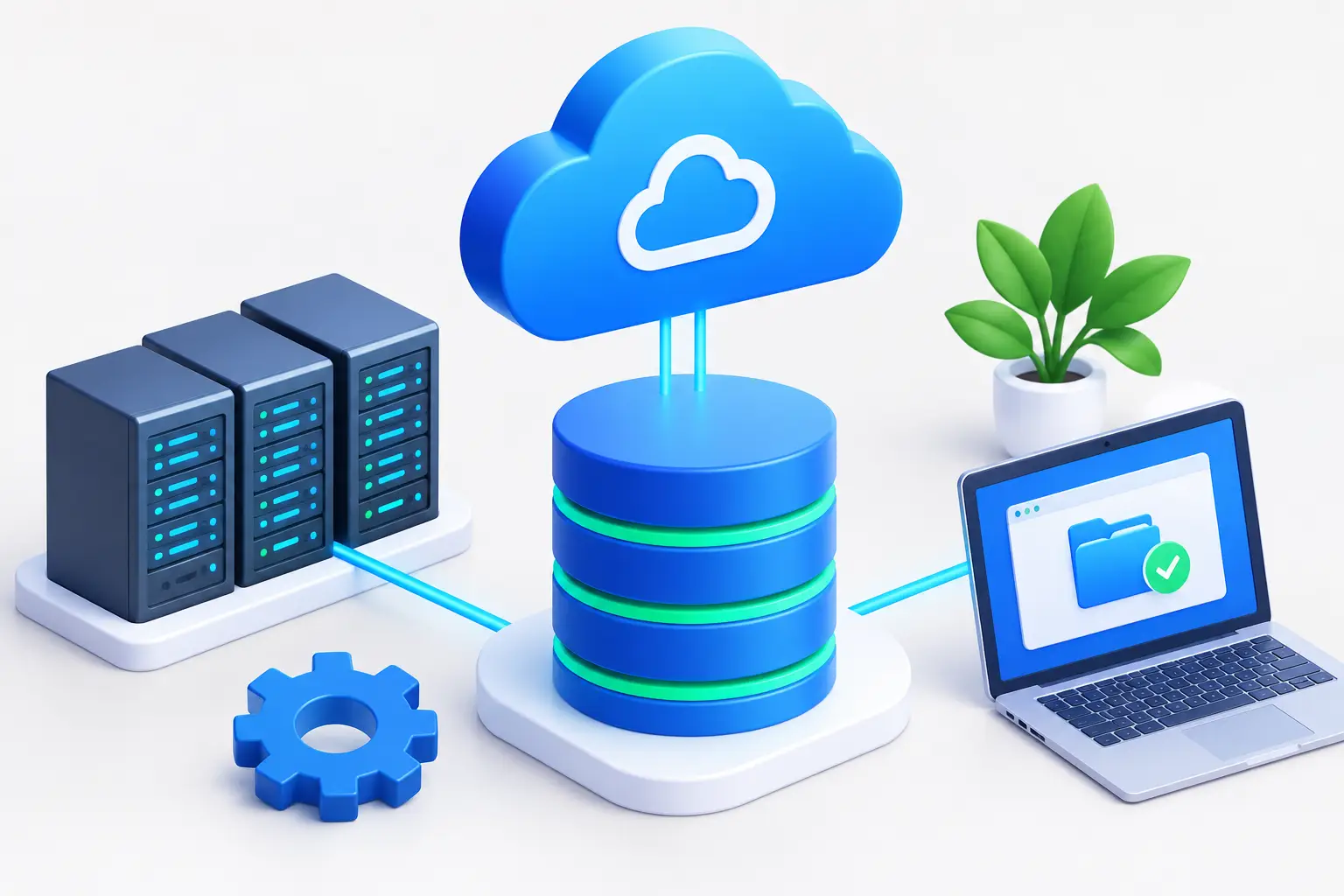
A cloud-based Windows desktop offers another option. Instead of running every application on your own hardware, you connect to a remote computer hosted in the cloud. The remote system handles the workload, while your local device displays the streamed desktop.
For gamers and users who need additional computing power, renting a gaming PC online can provide access to more capable hardware without purchasing a complete desktop system.
Services such as SensePC make this approach possible through configurable cloud PCs, GPU-powered gaming options, and flexible billing plans.
What Is a Cloud-Based Windows Desktop?
A cloud based Windows desktop is a remote computer that runs Windows in a cloud environment. You connect through a supported browser or desktop client and interact with it much like a physical computer.
The remote machine can provide processing power, memory, storage, and graphics resources according to the configuration you choose.
Because applications run on the cloud computer, your local laptop does not necessarily need the same hardware specifications as the remote system. You still need a suitable internet connection and a device capable of displaying the streamed desktop smoothly.
Cloud-based desktops can be useful for several purposes:
-
PC gaming: Access a remote computer configured for compatible games.
-
Creative applications: Run supported graphics, design, and video tools.
-
Development: Use programming environments and development applications.
-
Remote productivity: Access a consistent desktop environment from supported devices.
-
GPU computing: Use compatible applications that benefit from graphics acceleration.
The best configuration depends on your intended workload. A computer designed for everyday productivity may not provide the same resources as a gaming-focused cloud PC.
Why Rent a Gaming PC Instead of Buying One?
Building or buying a gaming computer can involve more than the cost of the graphics card. You may also need a suitable processor, motherboard, memory, storage, power supply, cooling, and other components.
Rental gaming PC shifts much of that hardware responsibility to the cloud provider.
Avoid a Large Upfront Hardware Purchase
A cloud gaming PC lets you access remote computing resources without purchasing an entire high-performance desktop immediately.
This can be useful if you want to try demanding PC games, need additional computing power temporarily, or do not want to upgrade your existing laptop.
However, cloud access is not automatically cheaper over the long term. Users who play for many hours every day should compare recurring cloud costs with the cost of owning and maintaining a local computer.
Access More Capable Hardware
A cloud PC can provide access to GPU resources that are unavailable on your local device.
For example, someone using a lightweight laptop may be able to connect to a remote Windows computer with a more capable graphics configuration.
The experience still depends on the GPU, CPU, system memory, game requirements, and network conditions. Choosing a powerful GPU alone does not guarantee a particular frame rate or level of responsiveness.
Keep Your Gaming Environment
A cloud PC with persistent storage can retain installed games, launchers, files, and settings between sessions.
This helps avoid repeating the setup process every time you connect, provided the computer and its storage remain allocated.
Before choosing a provider, check the storage capacity, retention rules, and whether storage charges continue when the remote computer is stopped.
What Does GPU Online Access Mean?
The term GPU online can refer to accessing a graphics processing unit through a cloud service rather than installing the GPU in your own computer.
A GPU performs graphics calculations and can accelerate other compatible workloads. In gaming, it helps render game environments, lighting, textures, and visual effects.
A cloud GPU can be useful when your local device lacks the graphics hardware required for a particular application.
However, several factors influence the results.
GPU Model and Memory
Different GPUs have different capabilities. When comparing cloud configurations, look at the actual GPU model and available memory.
For gaming, also check the game’s recommended requirements and the configuration’s other resources. GPU memory is important, but it should not be treated as a direct measurement of gaming performance.
CPU and System Memory
The processor and system memory also influence how a game runs. Some games depend heavily on CPU performance, while multitasking can increase memory requirements.
Review the full cloud PC specification rather than choosing a plan based only on its graphics hardware.
Network Latency
Unlike a local gaming computer, a cloud PC must stream its output across the internet.
A stable connection and suitable server location can help improve responsiveness. However, distance, network routing, congestion, and streaming settings can all affect the experience.
For latency-sensitive games, consider testing the service from your usual location before committing to a longer plan.
How to Choose an Online Gaming PC Rental Service
Before renting a gaming PC online, compare the service’s hardware, compatibility, access methods, and billing terms.
1. Confirm Game Compatibility
Make a list of the games you want to play and check whether they work in the provider’s cloud environment.
Some games may restrict virtual machines or cloud environments because of anti-cheat systems, digital rights management, publisher policies, or launcher requirements.
A Windows desktop does not guarantee compatibility with every PC game.
2. Compare the Complete Configuration
Look at the GPU, CPU, system memory, and storage together.
A configuration with more resources may be appropriate for demanding games, but a smaller configuration may be sufficient for less intensive titles.
Choose hardware based on your actual requirements rather than automatically selecting the most expensive option.
3. Check Access Methods
Some services provide browser-based access, while others offer a native remote desktop client.
Browser access can be convenient because it avoids installing a separate desktop client. A supported native client may be preferable for workloads where responsiveness matters.
Check which access methods are supported on your operating system and whether any features are limited to specific devices.
4. Understand the Billing Model
Gaming PC rental services may offer subscriptions or usage-based billing.
An hourly plan can suit occasional gaming, while daily or monthly plans may be more convenient for regular use.
Remember to check storage charges, included runtime, renewal terms, and whether the computer continues to incur charges while stopped.
5. Test the Experience
If short-term access is available, try the service before committing to a longer plan.
Test your preferred game, controller or keyboard setup, image quality, and input responsiveness. This helps you evaluate the real experience rather than relying entirely on advertised specifications.
SensePC: A Cloud-Based Windows Desktop for Gaming
SensePC provides a full Windows 11 cloud PC with configurations for gaming and other computing tasks. It offers an alternative to buying a dedicated gaming desktop by allowing users to access remote computing resources through a supported connection.
Unlike services limited to a fixed selection of streamed games, SensePC provides a Windows desktop where users can install compatible games and applications.
NVIDIA L4 Graphics on Xtreme Gaming Plans
SensePC Xtreme gaming configurations use an NVIDIA L4 GPU with 24 GB of GPU memory.
Different tiers provide different CPU, memory, and storage resources, so users can compare configurations with the requirements of their preferred games.
Actual performance depends on the game, hardware configuration, settings, server location, and network quality.
Steam and Epic Games Launcher Ready
Steam and Epic Games Launcher are ready on SensePC Xtreme plans.
Users can sign in with their own accounts and install games they own, subject to game compatibility and publisher requirements.
Game purchases and publisher subscriptions are not automatically included with access to the cloud computer.
Persistent SSD Storage
SensePC includes persistent SSD storage, allowing installed games, launchers, files, and settings to remain available between sessions while the cloud PC and its storage remain allocated.
This is useful if you want to maintain your gaming environment rather than reinstalling games each time you reconnect.
Storage billing continues while the storage remains allocated, including when an hourly cloud PC is stopped. Review the current pricing details to understand the total cost of keeping your files.
Hourly, Daily, and Monthly Access
SensePC offers hourly, daily, and monthly billing options.
-
Hourly access: Useful for flexible or occasional gaming sessions.
-
Daily access: Suitable for users who need a longer block of computing time.
-
Monthly access: Designed for people who use their cloud PC regularly.
Hourly compute charges stop when the PC is stopped, but persistent SSD storage continues to be billed while allocated. Daily and monthly plans follow their respective billing conditions.
Compare the current prices and included runtime before choosing a plan.
Browser Access and Performance Mode
SensePC supports browser access and offers Performance Mode through the native Amazon DCV client on supported Windows and macOS computers.
Performance Mode is recommended for gaming sessions where responsiveness matters. Results will still vary according to your network, selected region, hardware configuration, and game.
Cloud Gaming PC vs. a Traditional Gaming Desktop
Both options can provide access to PC games, but the ownership and usage experience differs.
| Feature | Cloud Gaming PC | Traditional Gaming Desktop |
|---|---|---|
| Initial hardware cost | Typically avoids buying a dedicated gaming computer | Requires purchasing the hardware |
| Graphics hardware | Provided by remote cloud resources | Installed locally |
| Internet requirement | Required for remote access and streaming | Depends on the game and its online features |
| Maintenance | Provider manages the remote infrastructure | Owner handles repairs and upgrades |
| Performance factors | Hardware, streaming, and network conditions | Hardware, software, and local system conditions |
| Storage | Depends on the cloud plan | Depends on installed drives |
| Billing | May be hourly, daily, monthly, or subscription-based | Upfront purchase and ongoing ownership costs |
| Offline play | Generally unavailable when the cloud PC cannot be accessed | Possible for compatible games |
A cloud PC may be a good fit if you want flexible access to remote hardware without managing a local gaming rig.
A traditional desktop may be preferable if you need offline gaming, want complete hardware control, or prioritize minimizing network-related input latency.
The right choice depends on your budget, usage pattern, and gaming preferences.
Is Renting a Gaming PC Online Worth It?
Renting a gaming PC online can be worthwhile when you need more computing power without making a large upfront hardware purchase.
It can also be useful if you switch between devices or want to retain a remote Windows environment for gaming and other compatible applications.
However, cloud gaming requires a reliable internet connection, and some games may not work in virtualized environments. Recurring charges can also become expensive if you use the computer for long periods.
Before choosing a service, estimate your expected monthly usage, compare storage and compute charges, and verify compatibility with the games you want to play.
Final Thoughts
A cloud-based Windows desktop provides a flexible way to access remote computing resources for gaming, productivity, and other supported workloads. With online GPU access, users can run compatible graphics-intensive applications without relying entirely on their local hardware.
The best gaming PC rental service should offer suitable hardware, reliable access, persistent storage where needed, transparent billing, and compatibility with your preferred games.
SensePC is worth considering if you want a Windows 11 cloud gaming PC with NVIDIA L4 graphics on Xtreme plans, persistent SSD storage, and hourly, daily, or monthly access.
Compare the available configurations and total cost, test your connection, and confirm game compatibility before committing to a long-term setup.